Frequently Asked Question
Smart TV Instructional
How to find the OMCI Youtube page on a Smart TV
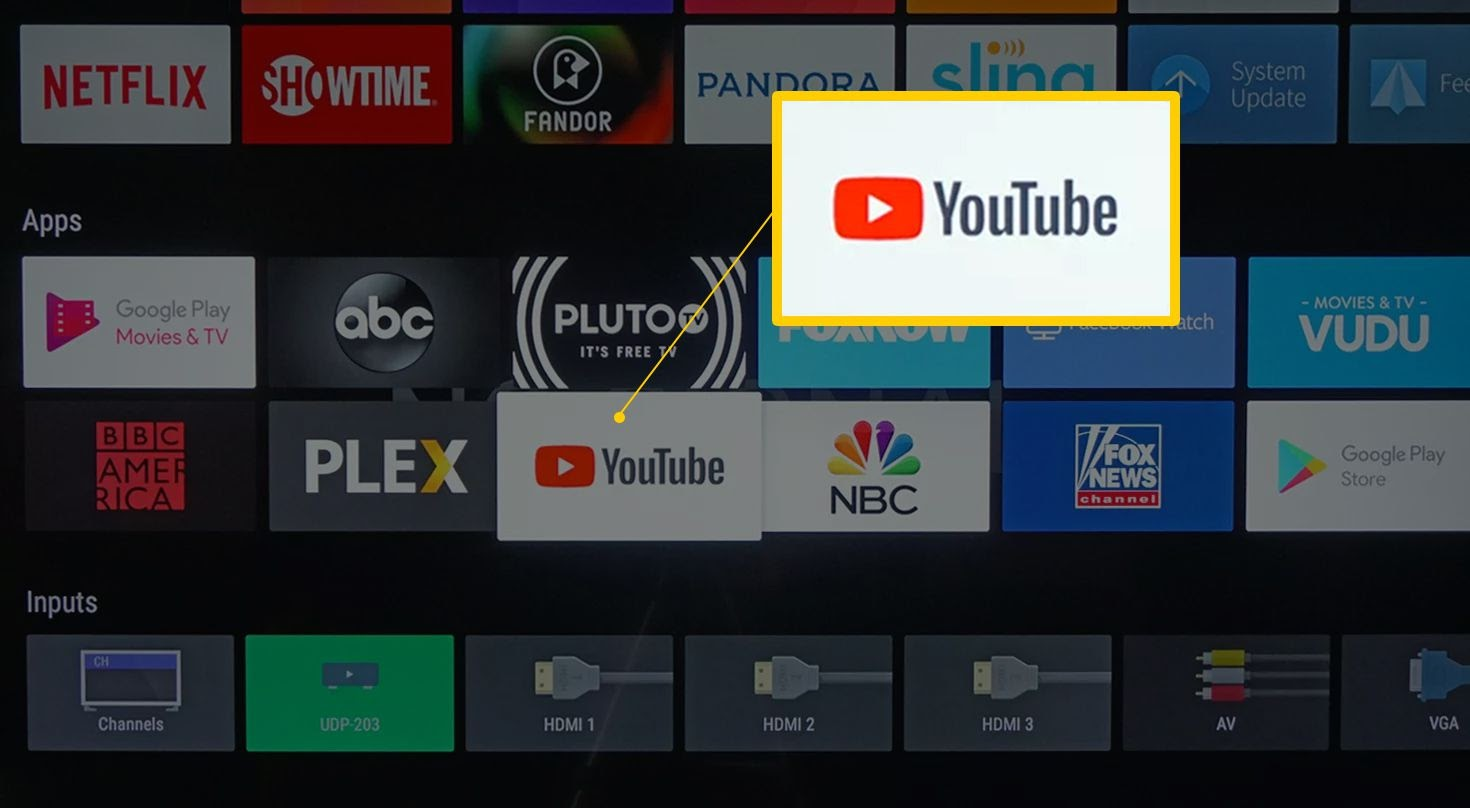
Locate the YouTube app on your smart TV, click on it to open.
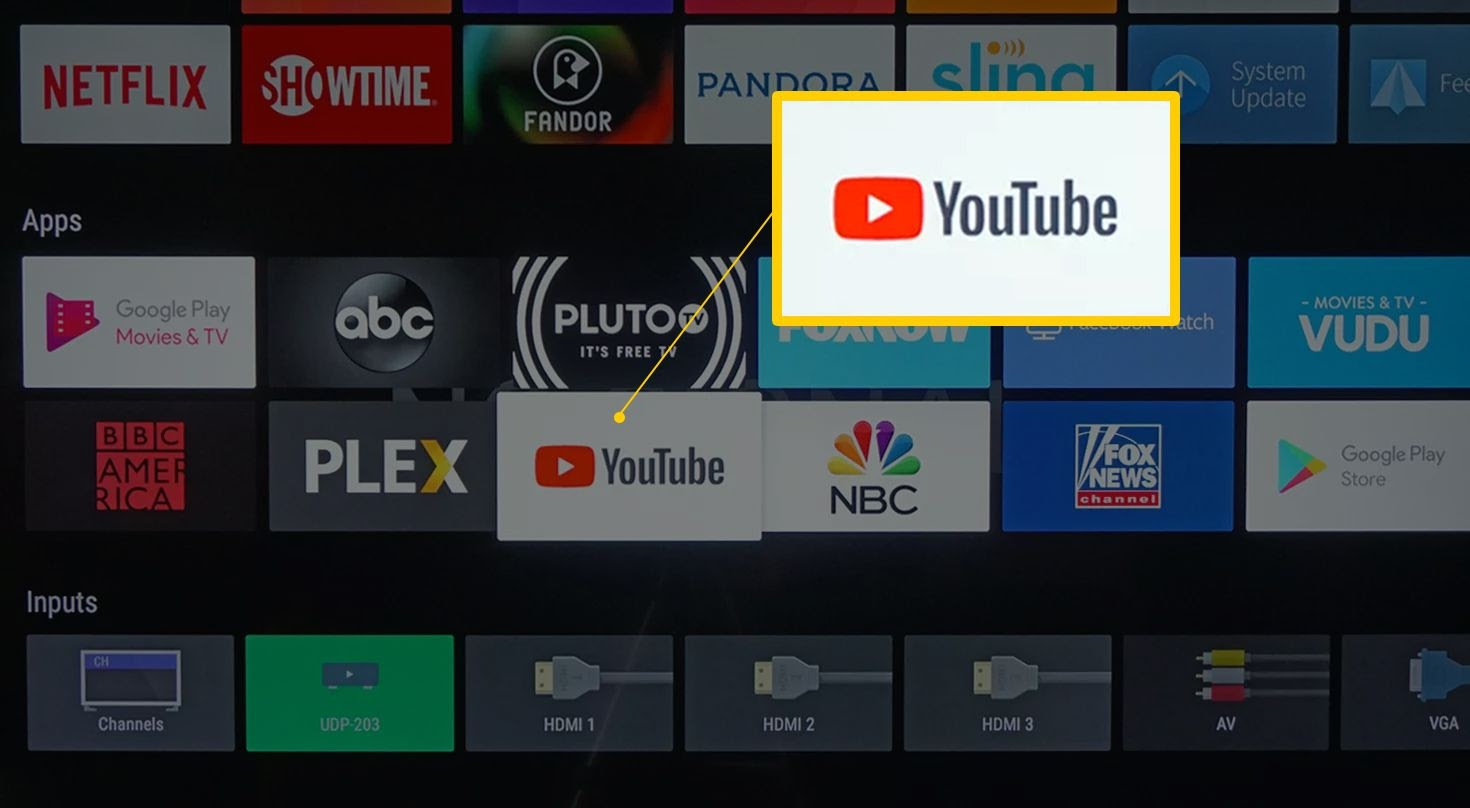
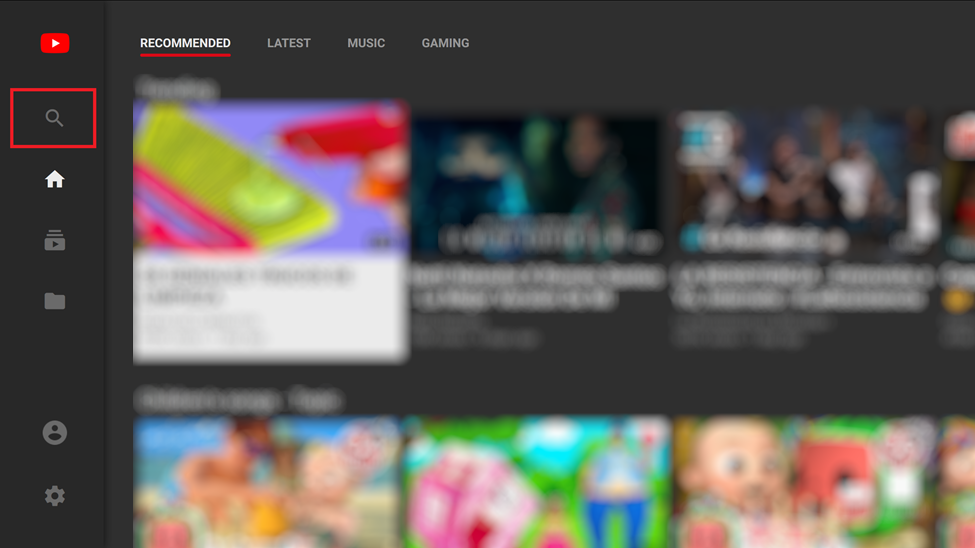
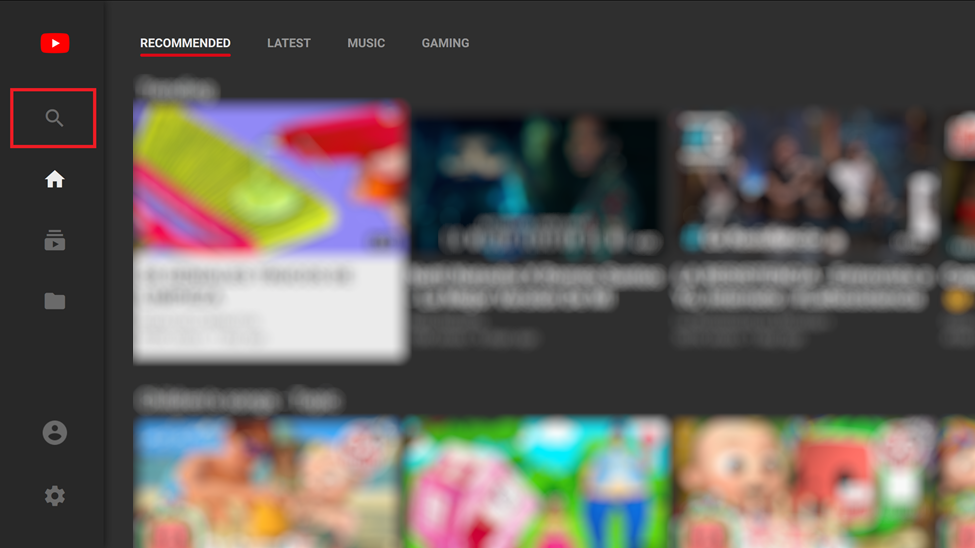
Use your remote to navigate to the search icon (inside the red box)
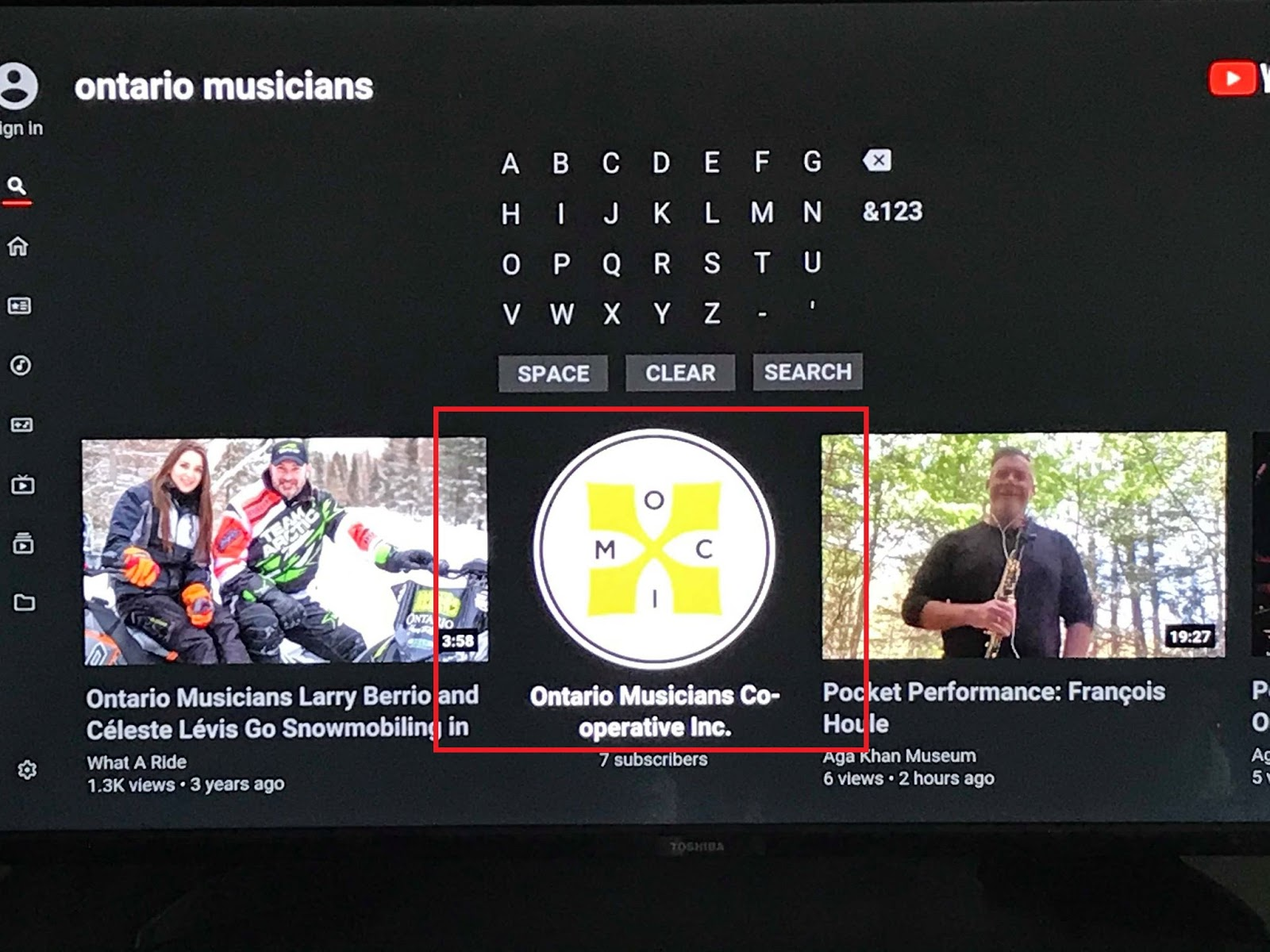
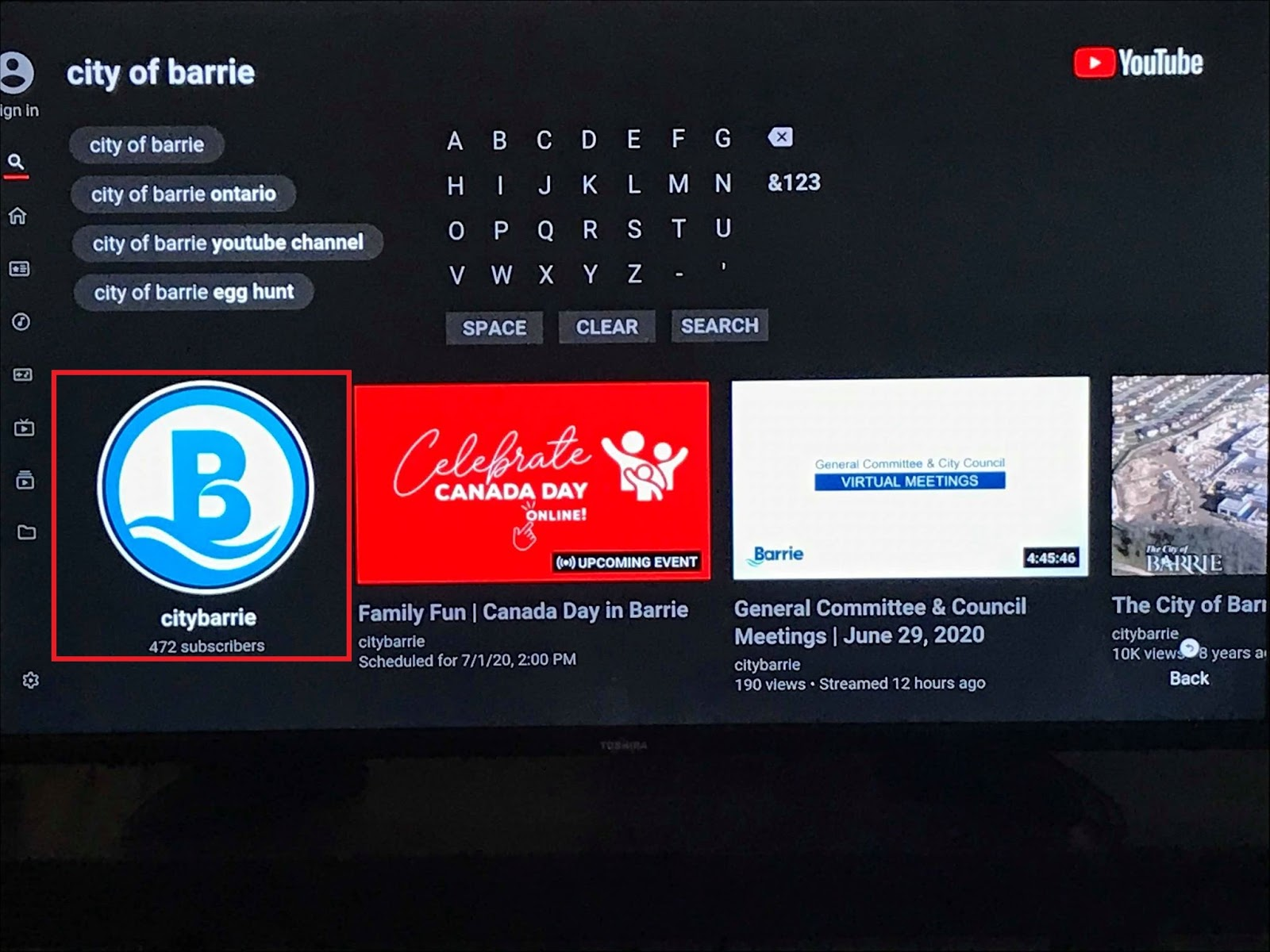
In the Search bar, type “Ontario Musicians” and hit search. Navigate to the OMCI logo and select to be brought to the OMCI YouTube Page.
How to find the City of Barrie Youtube page on a Smart TV
Locate the YouTube app on your smart TV, click on it to open.
Use your remote to navigate to the search icon (inside the red box)
In the Search bar, type “City of Barrie” and hit search. Navigate to the City of Barrie logo and select to be brought to theCity of Barrie YouTube Page.
Smartphone Instructional
How to find the OMCI Youtube page on a smartphone
- Open the Youtube app
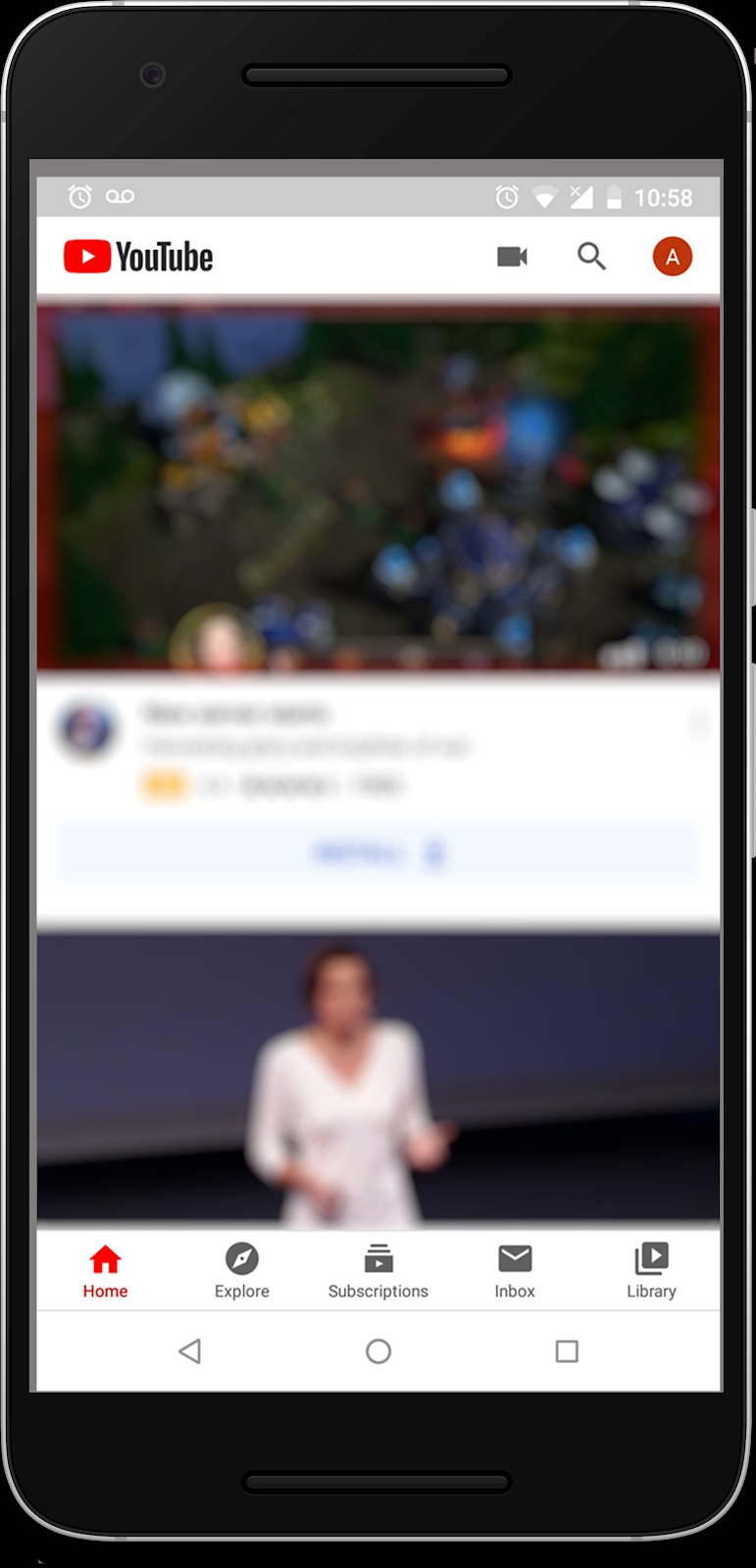
- Tap the magnifying glass icon then type “ontario musicians”
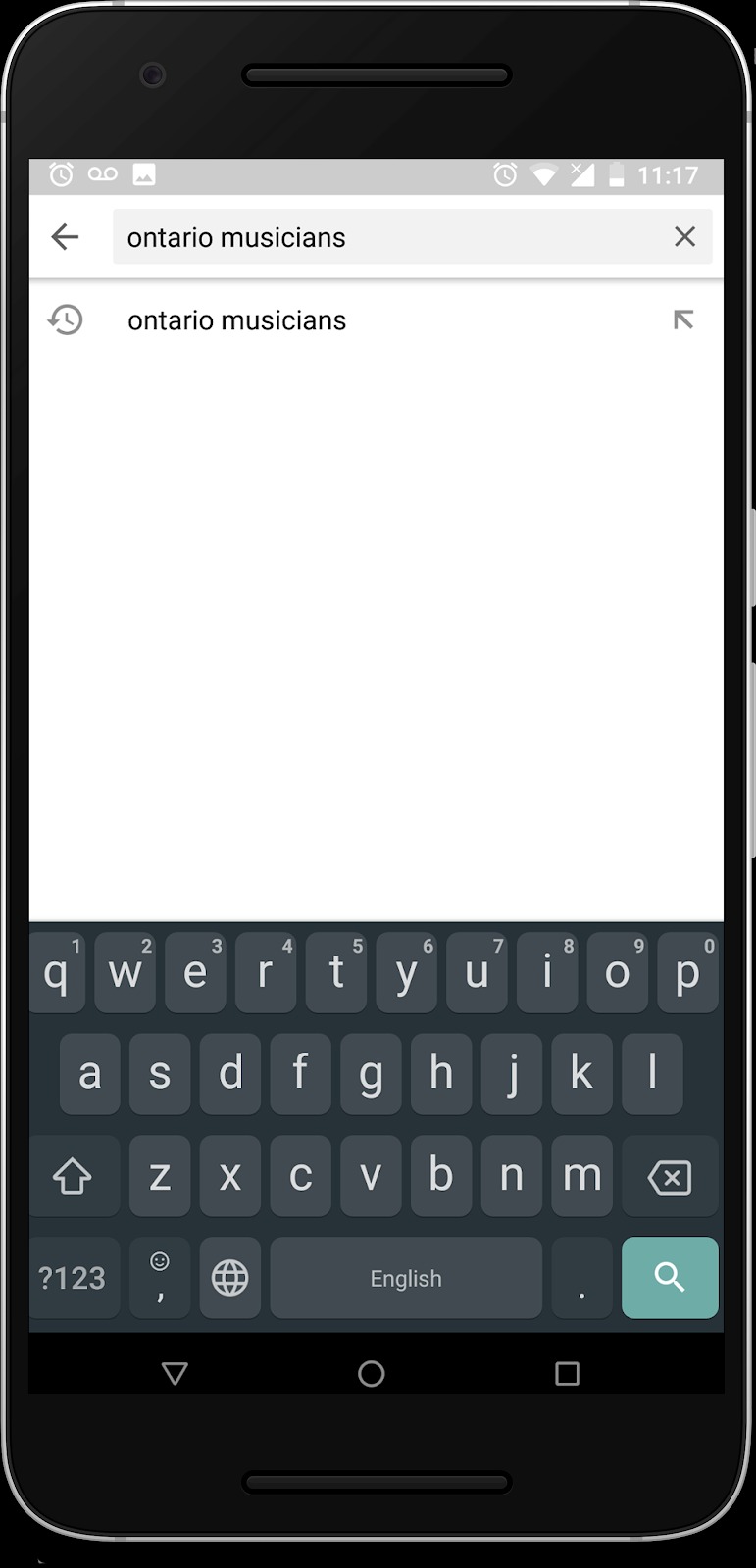
- Tap the enter key, you will see search results
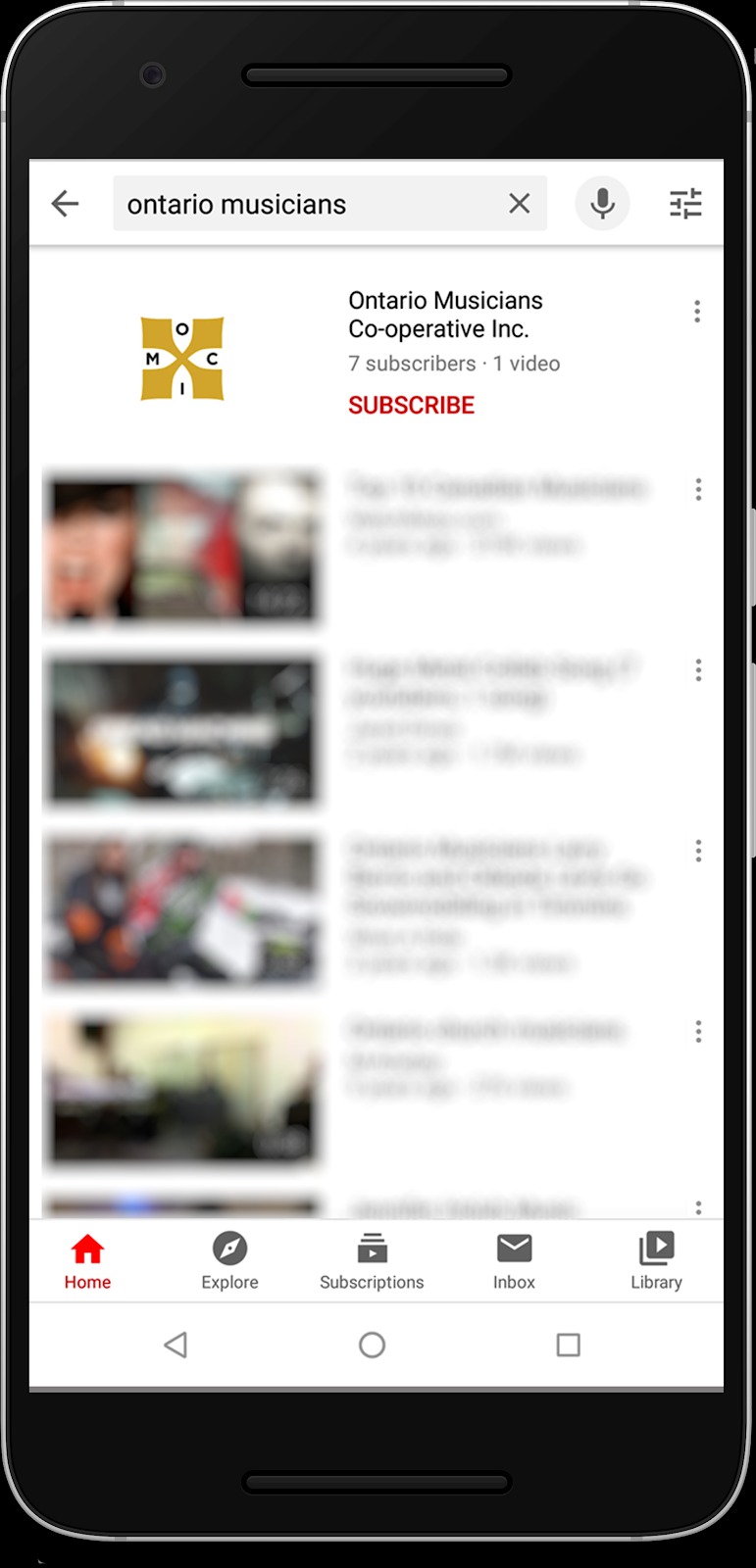
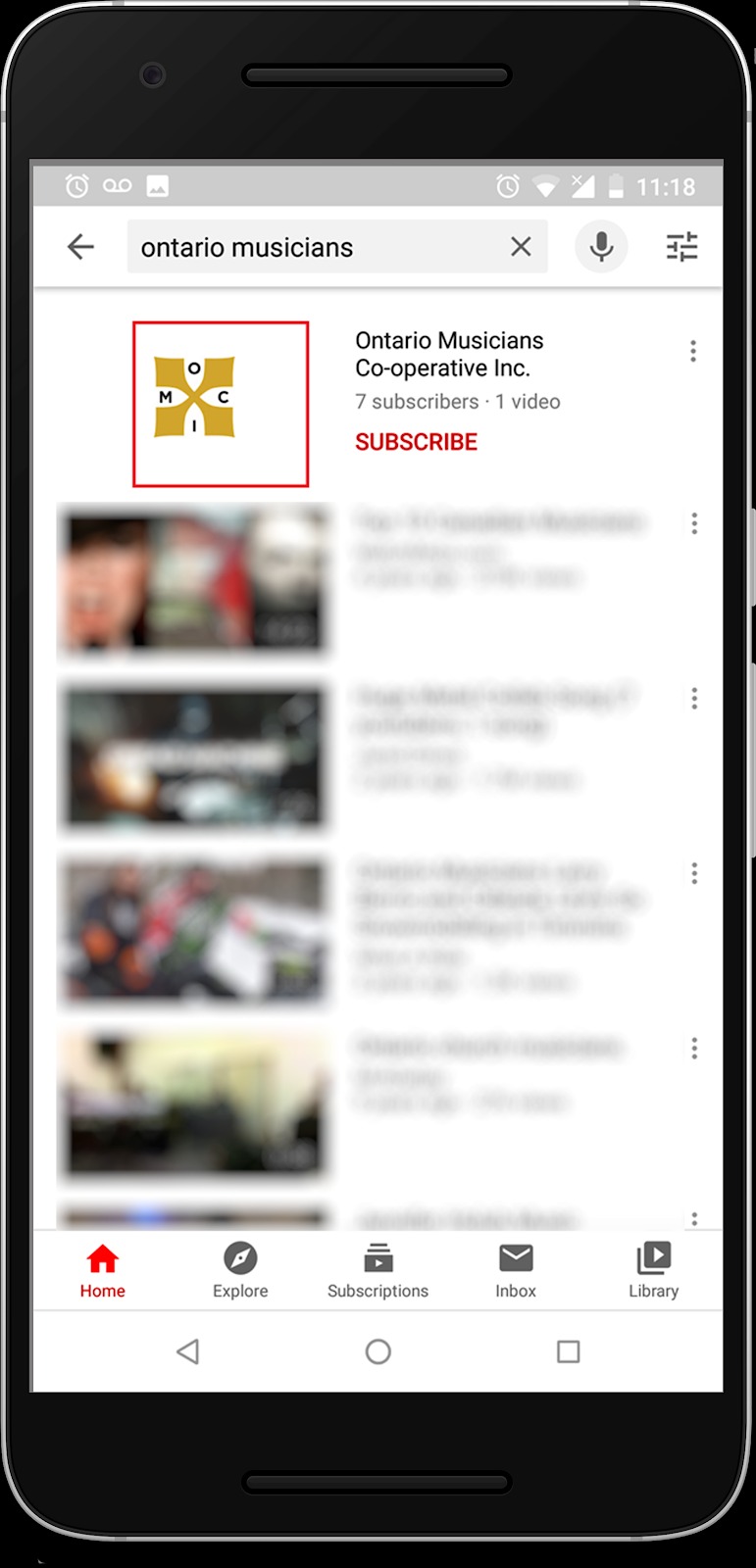
- Tap the OMCI logo (outlined by the red box in the instructions)
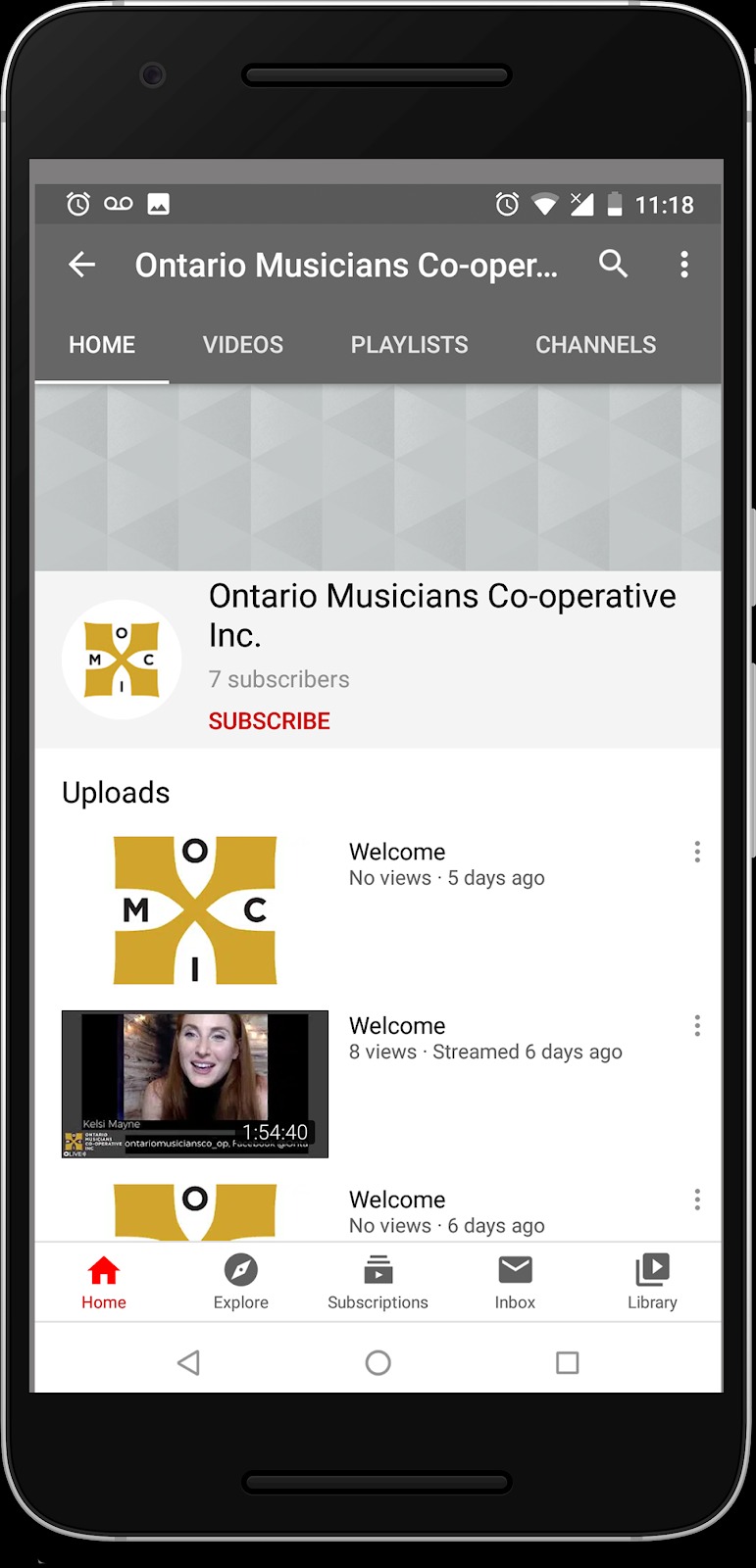
- You are now on the OMCI Youtube page!
How to find the City of Barrie Youtube page on a smartphone
Open the Youtube app
- Tap the magnifying glass icon then type “city barrie”
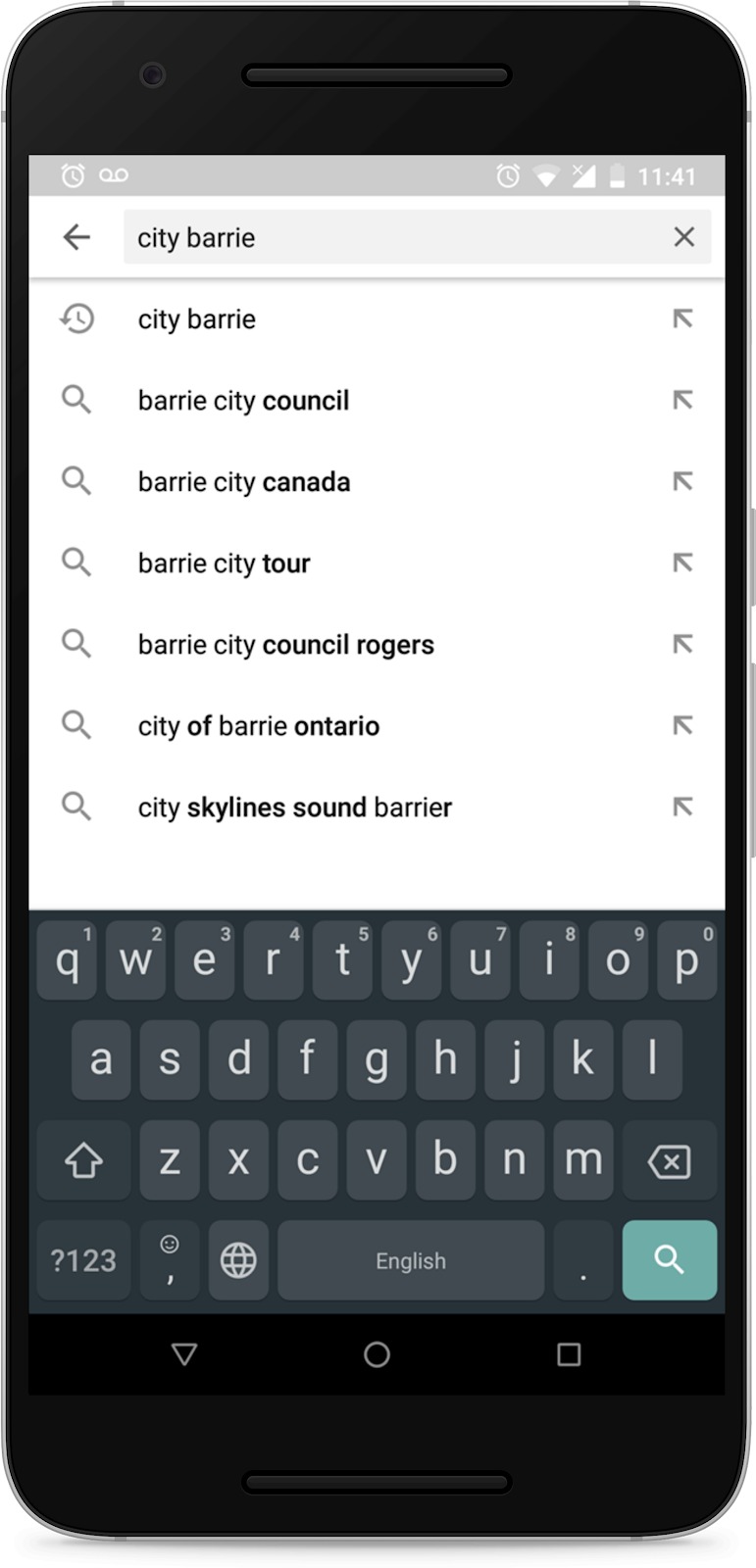
- Tap the enter key, you will see search results
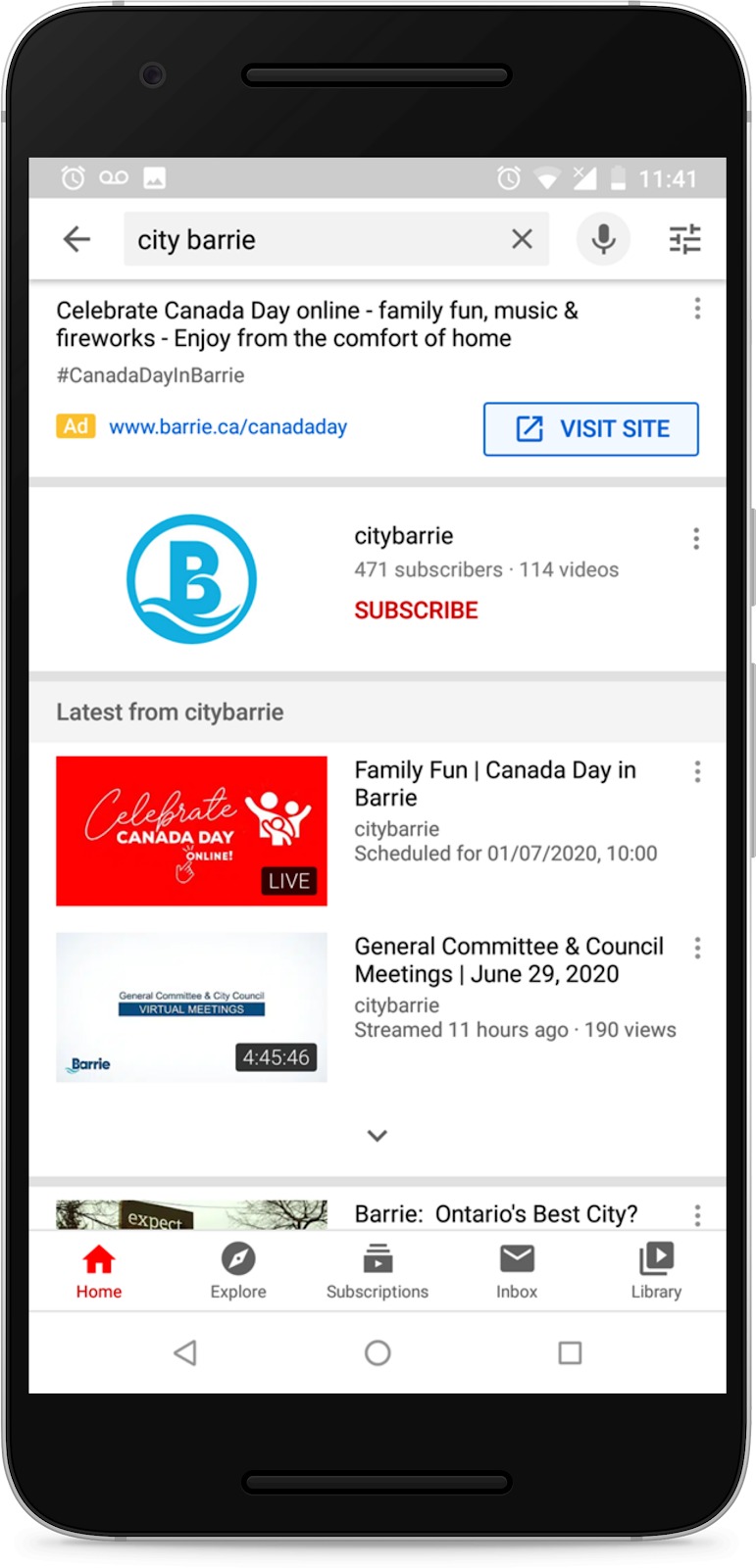
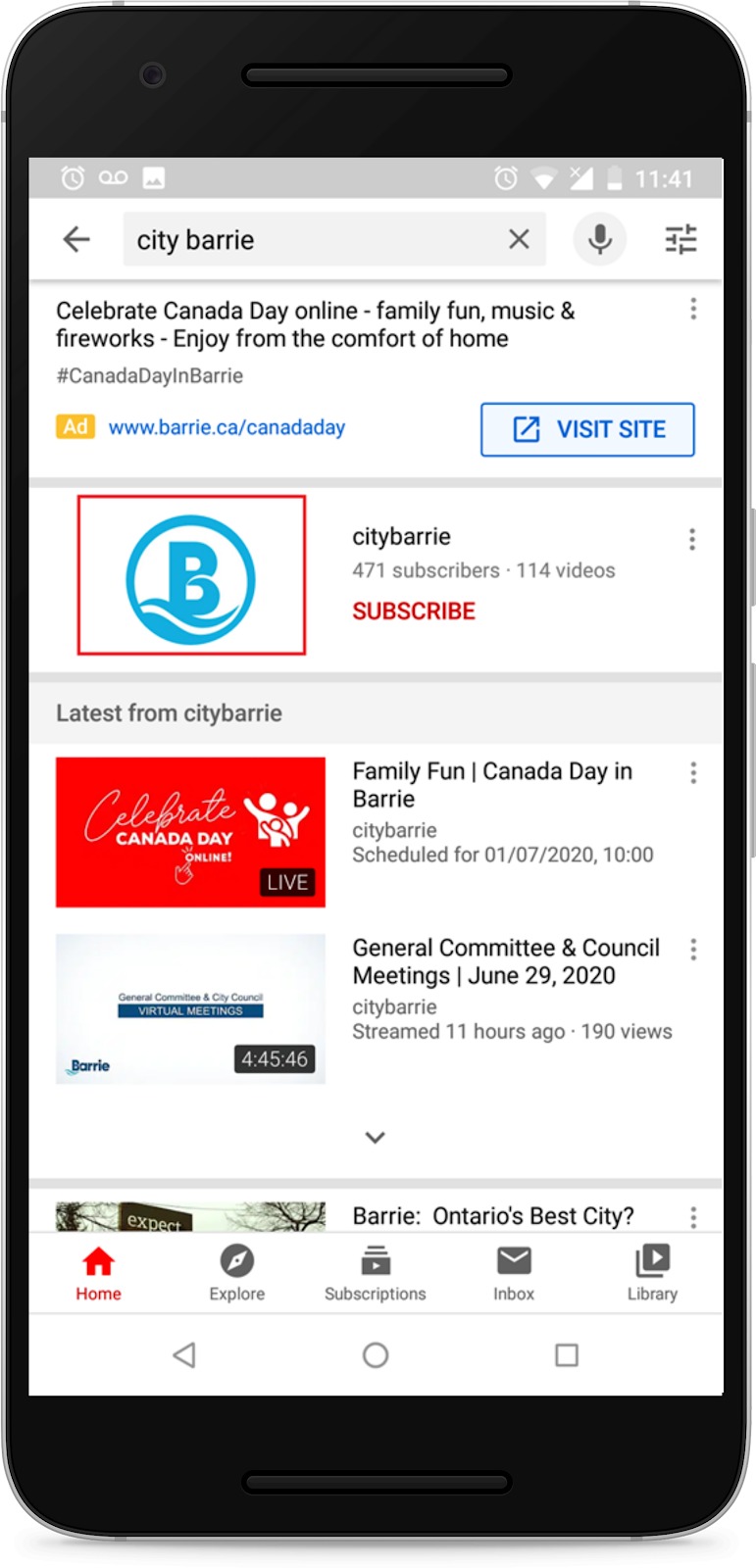
- Tap the City of Barrie logo (outlined by the red box)
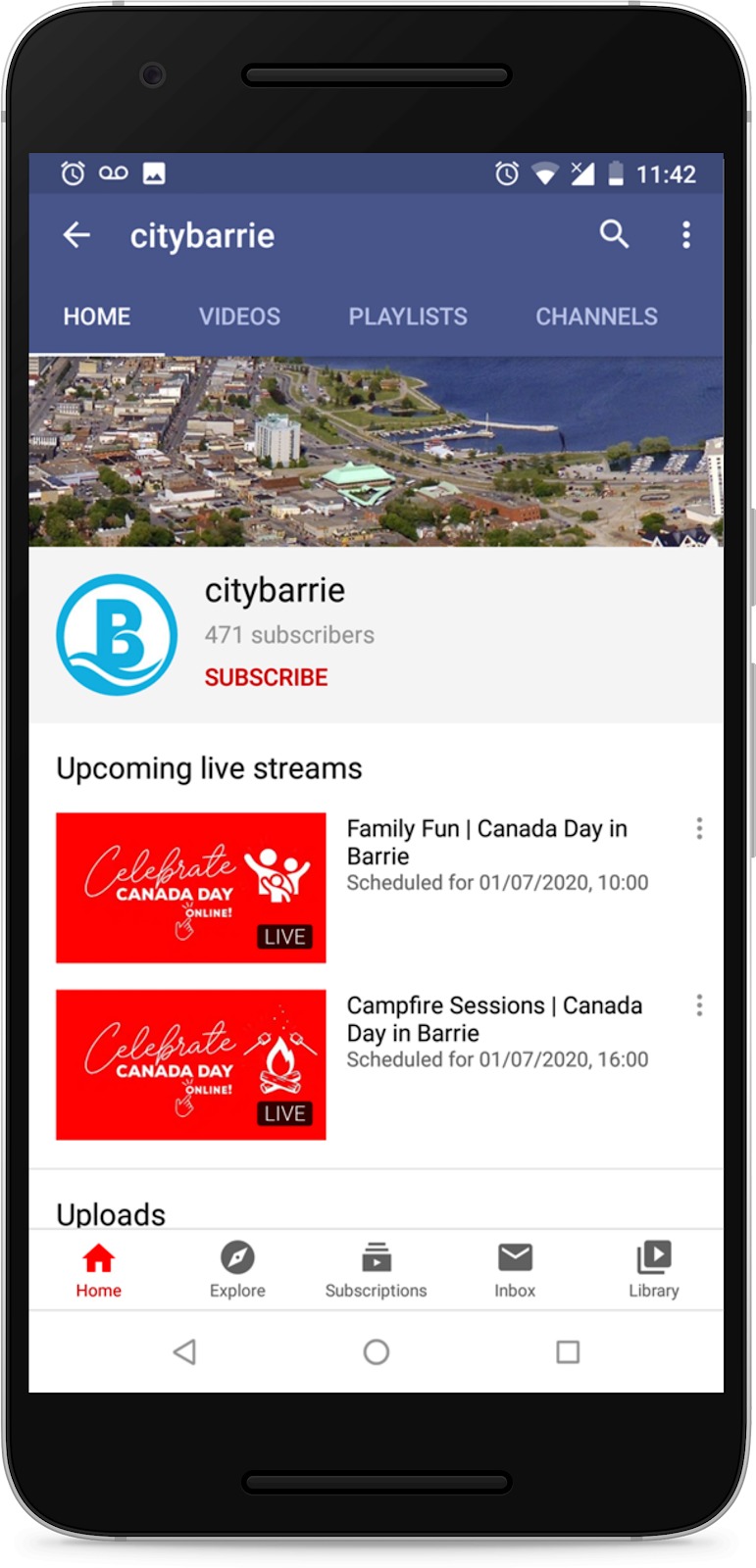
- You are now on the City of Barrie Youtube page!
How to find the OMCI Facebook page on a smartphone
Locate your Facebook Icon on your Smartphone to open it

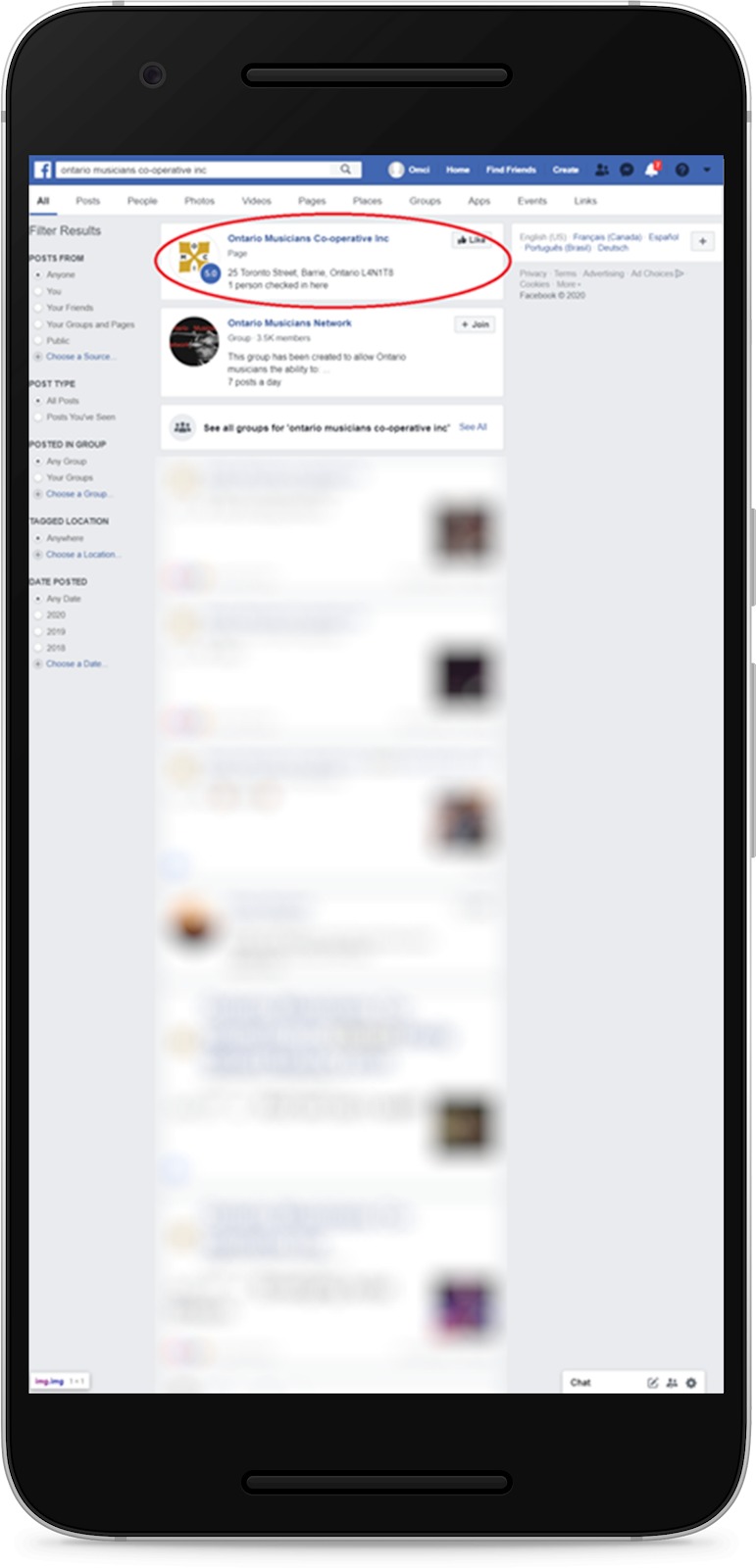
Once Facebook is opened, locate the search bar and type: Ontario Musicians Cooperative, hit enter.
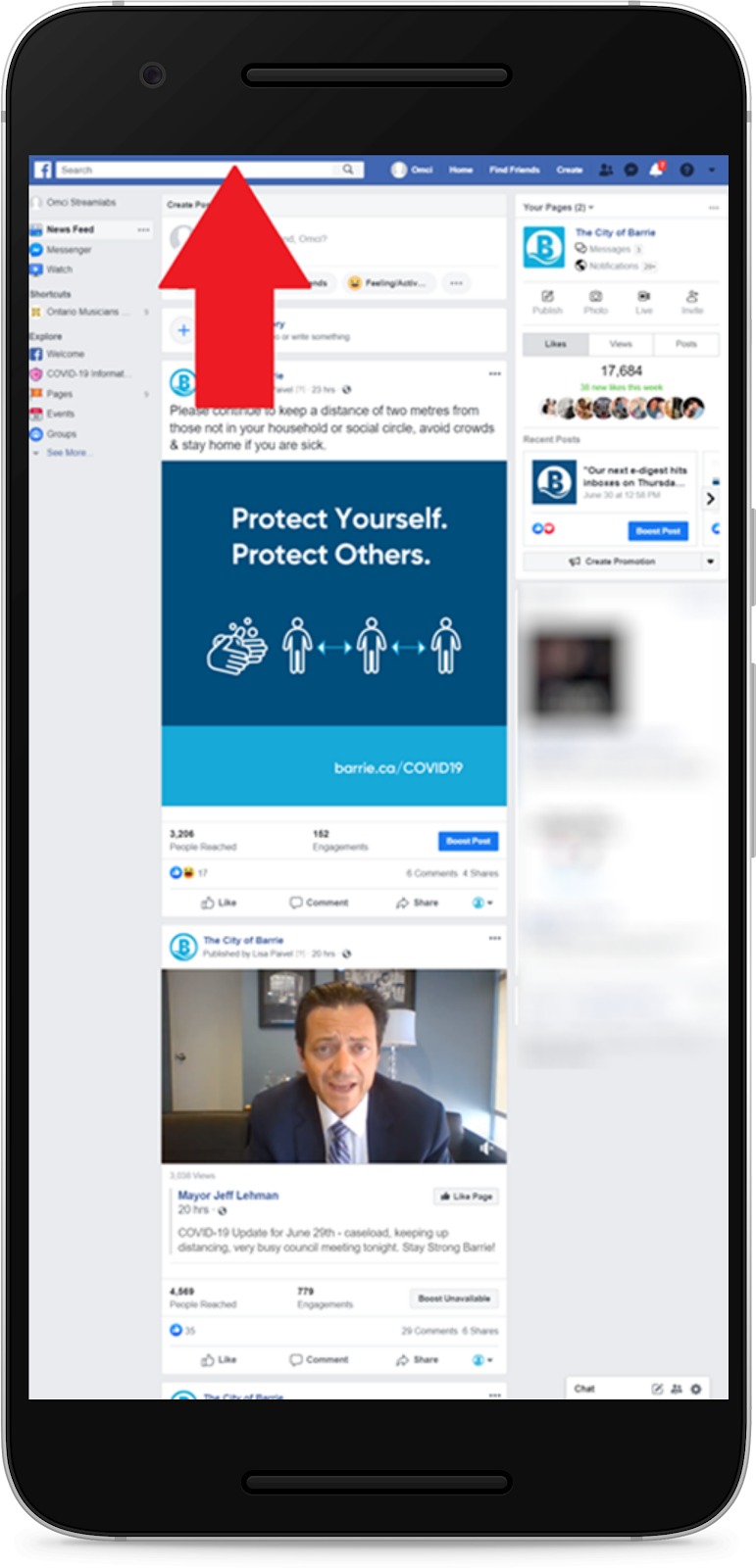
- Navigate to Ontario Musicians Co-operative Inc to be brought to their page
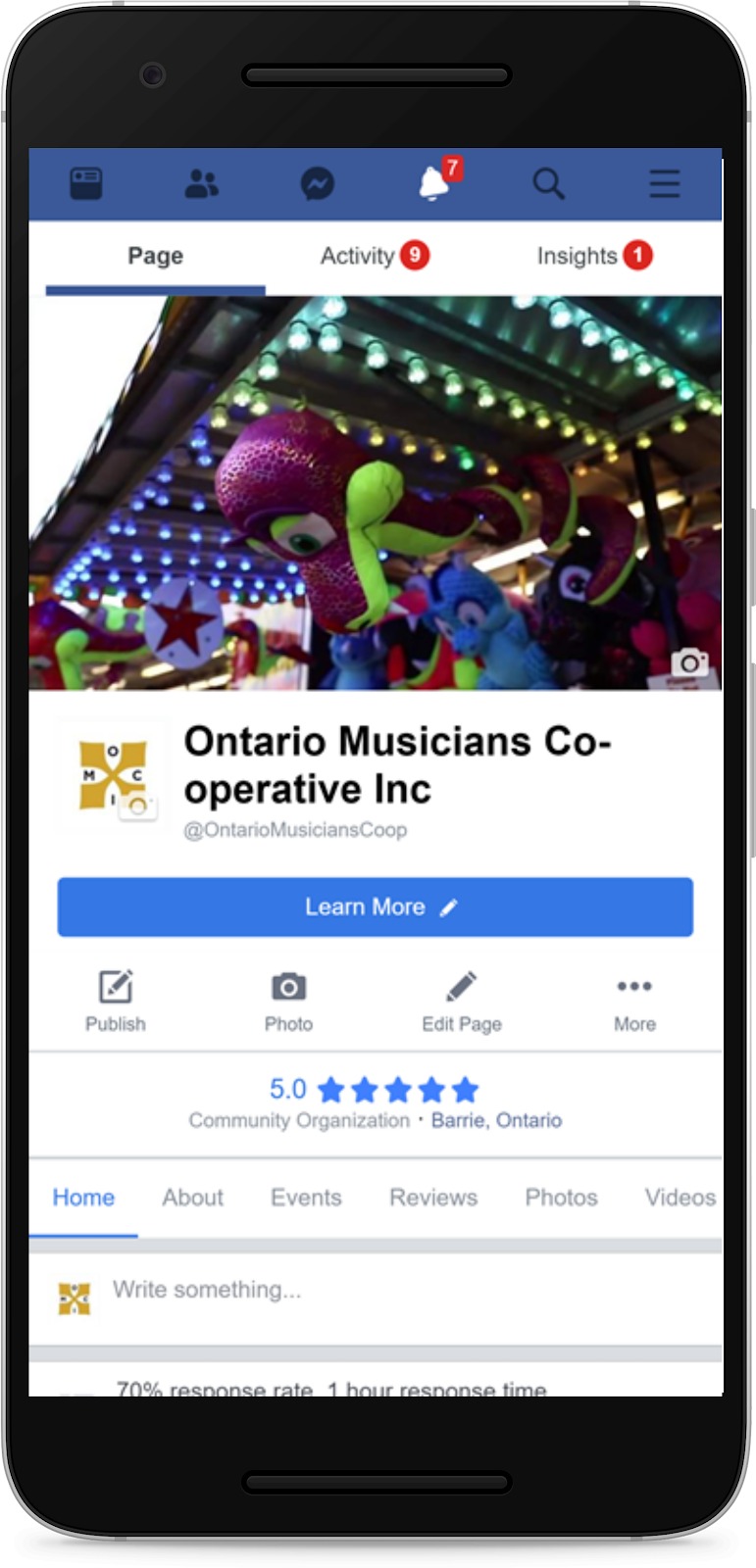
If done correctly, you will be on the OMCI Facebook page!
How to find the City of Barrie Facebook page on a smartphone
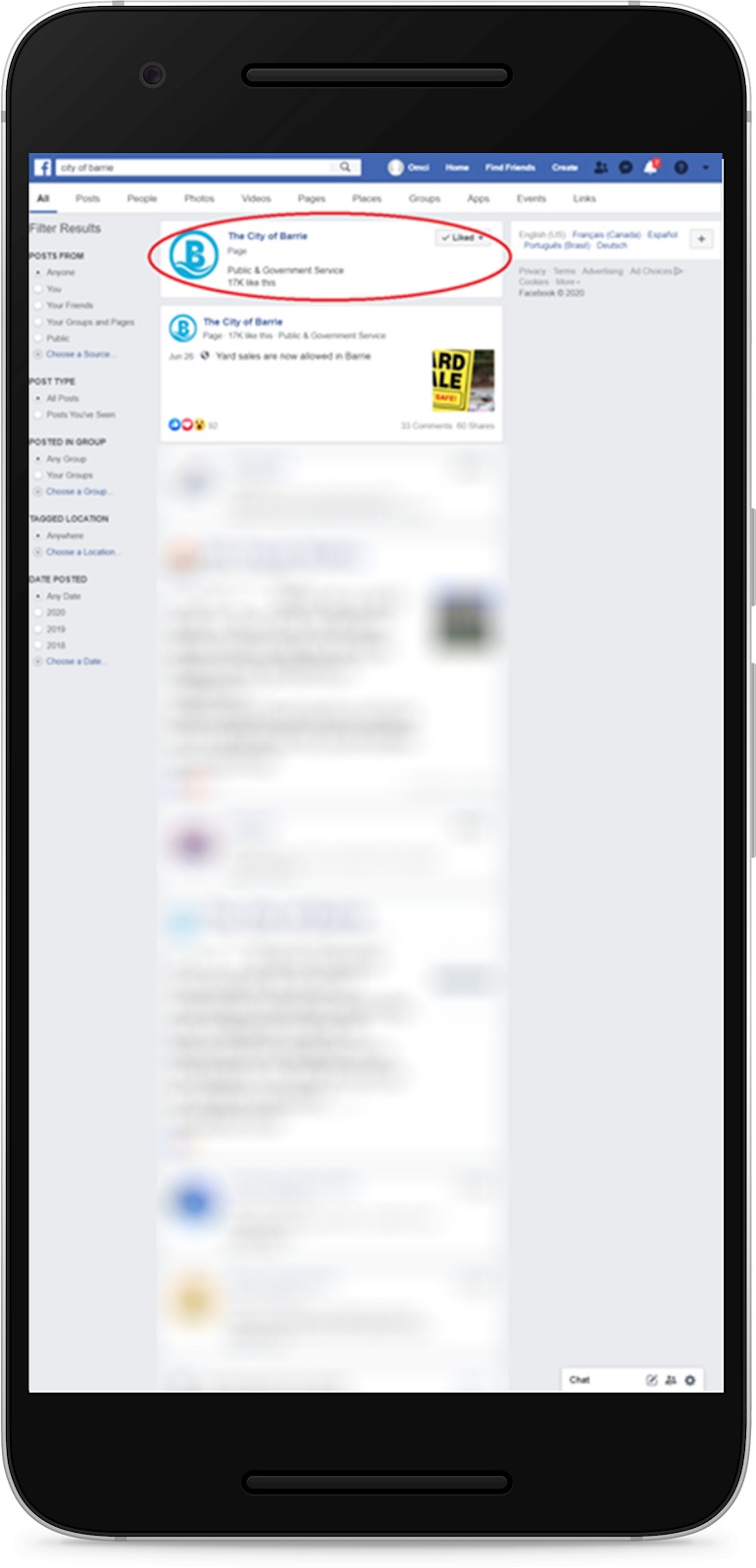
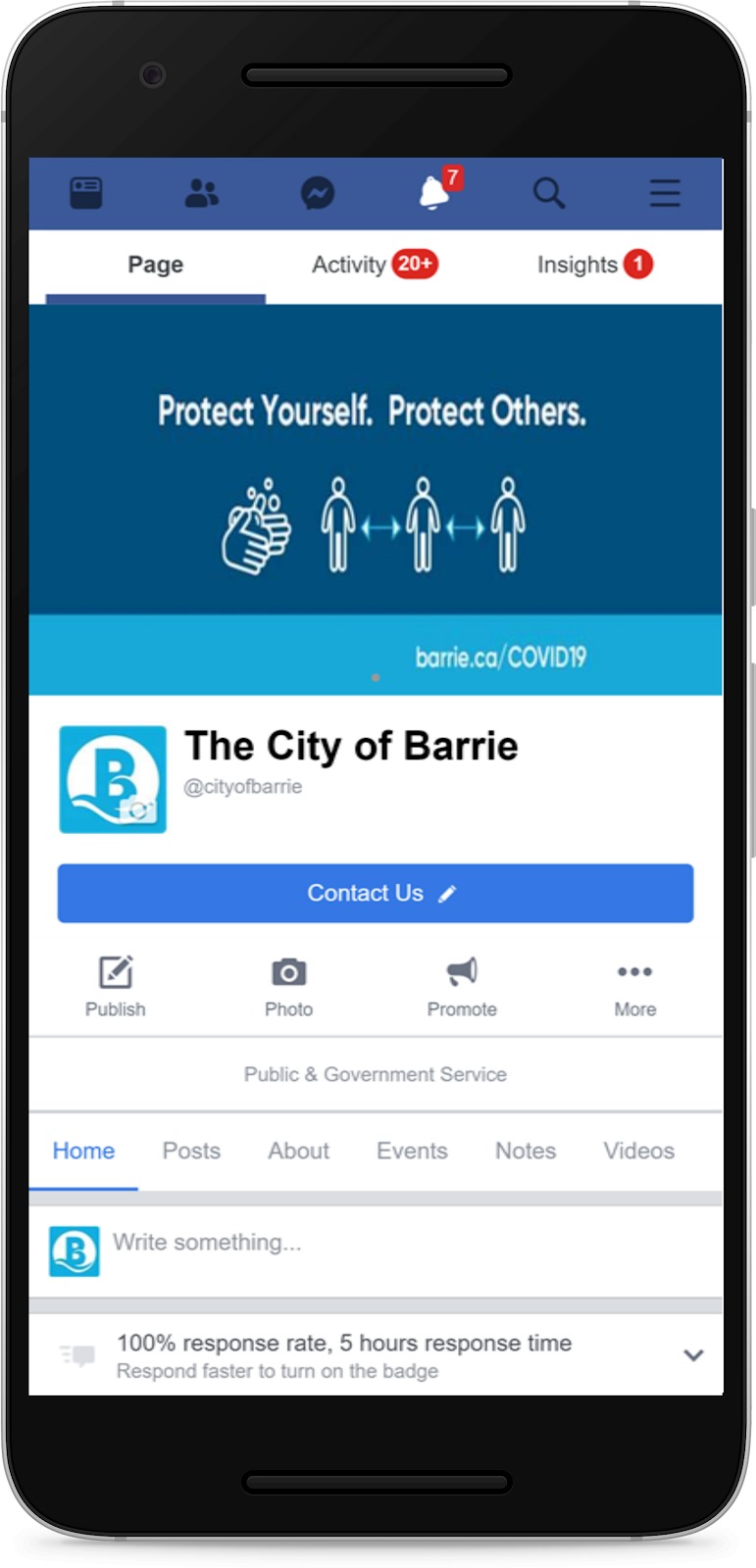
Open your facebook app, locate the search bar and type: City of Barrie,
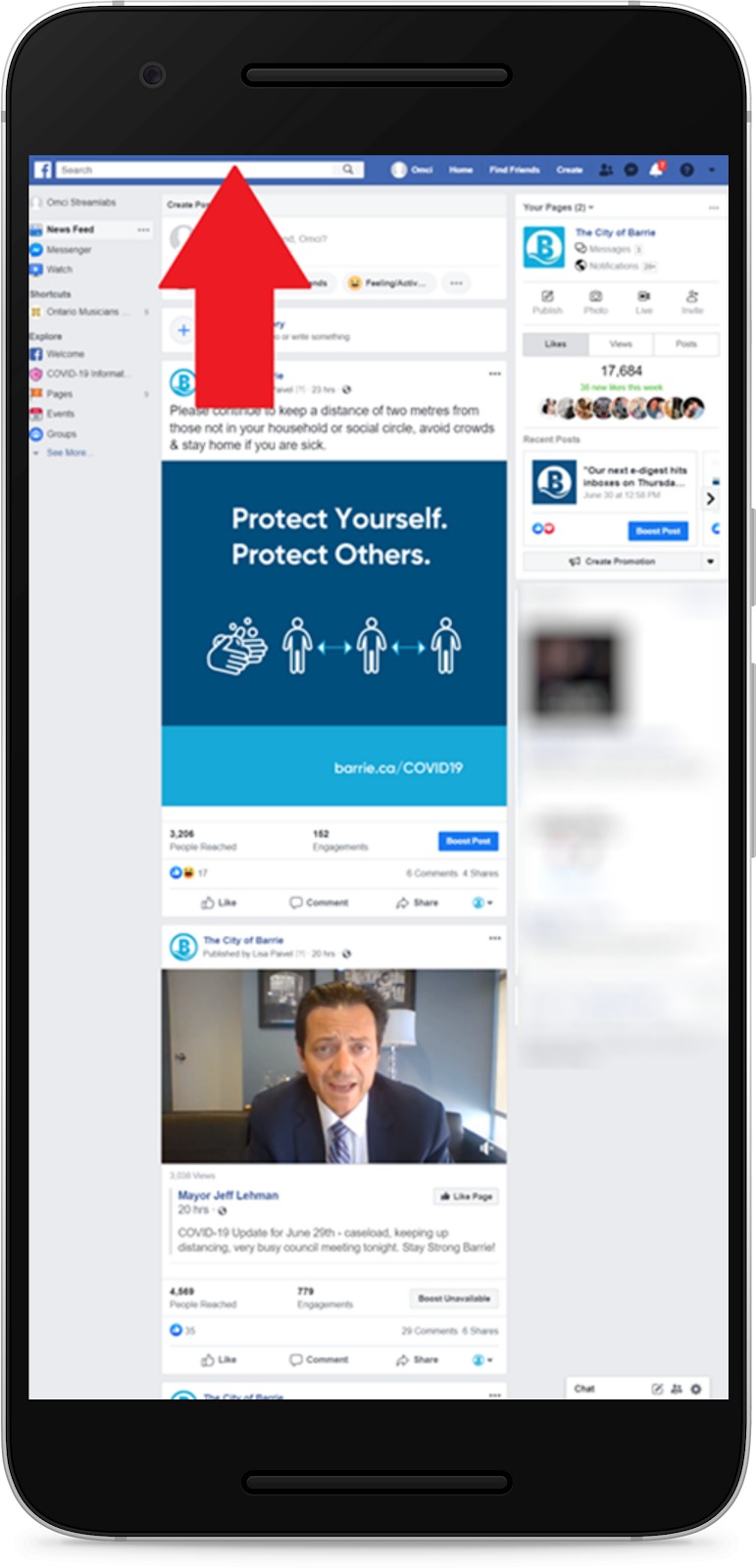
Navigate to the City of Barrie page to be brought to the official page!
Computer Browser Instructional
How to find the OMCI Youtube page via computer browser
- Open the browser
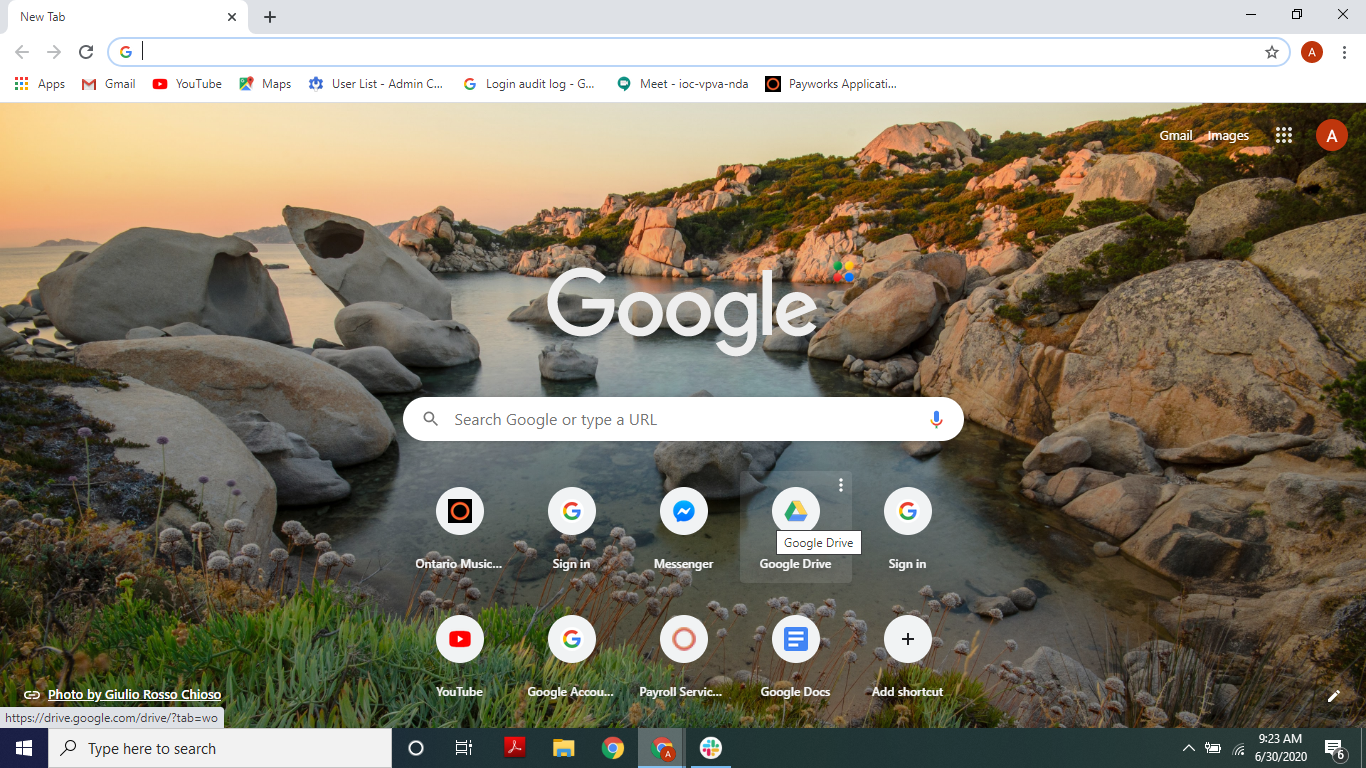
- Click on the address bar and type “youtube.com”
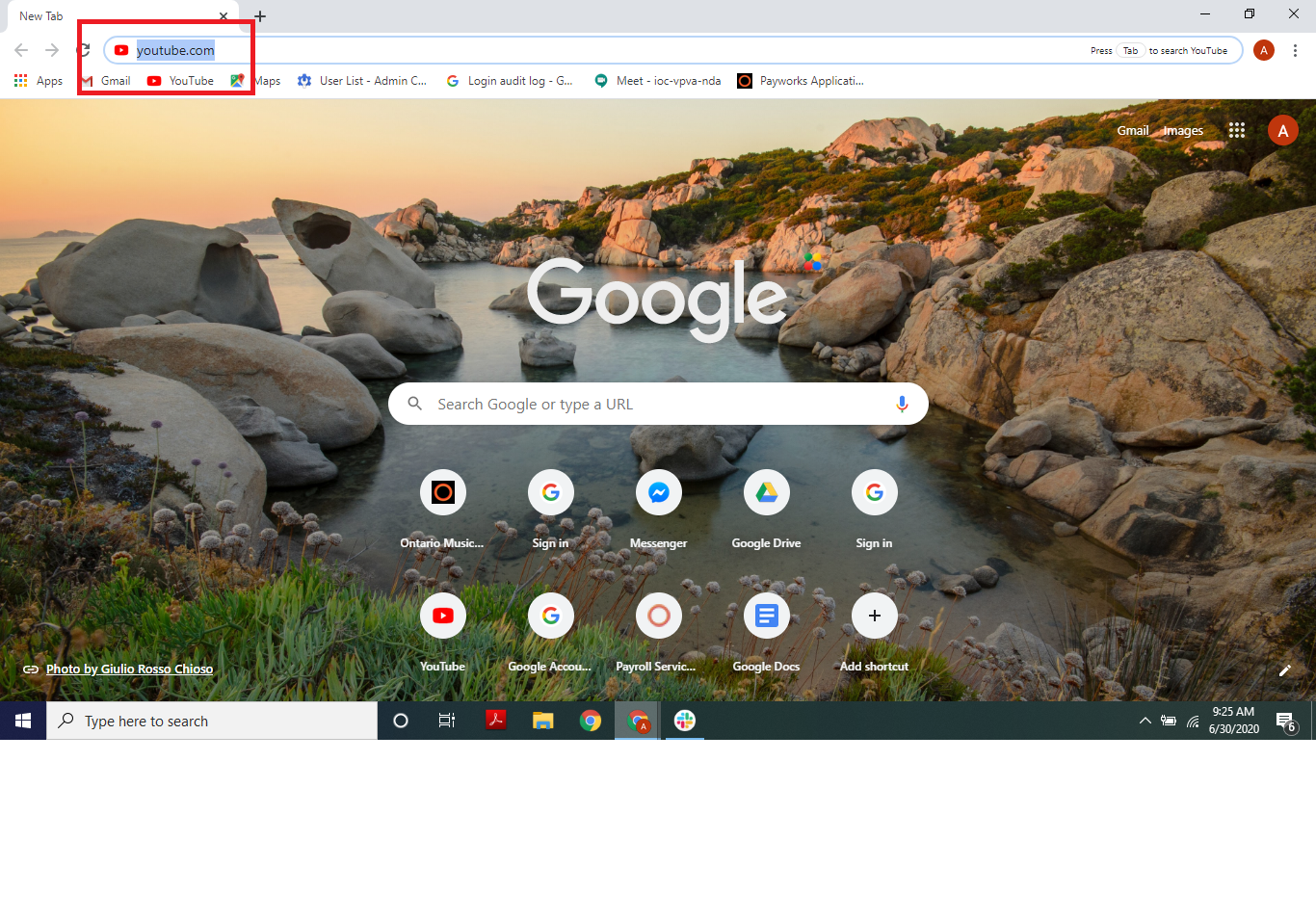
- Press the enter key on the keyboard, you will arrive at the youtube page
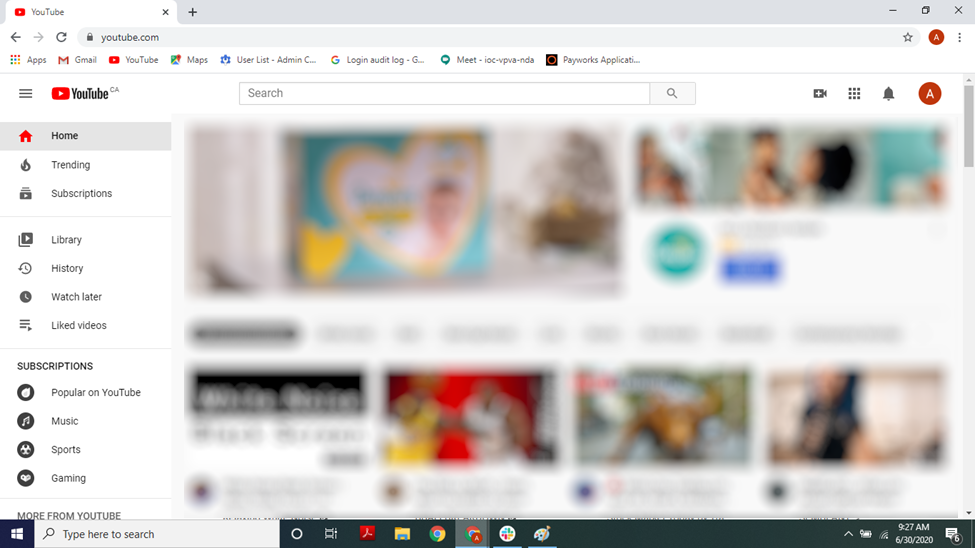
- Click on the search bar and type “Ontario Musicians”
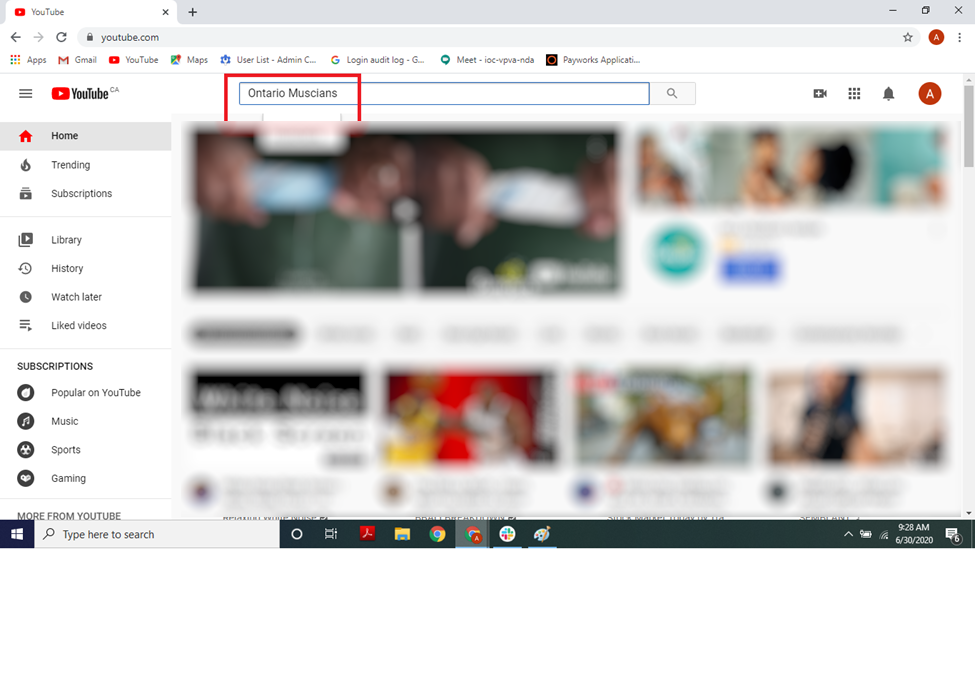
- Press the enter key on the keyboard, you will see search results
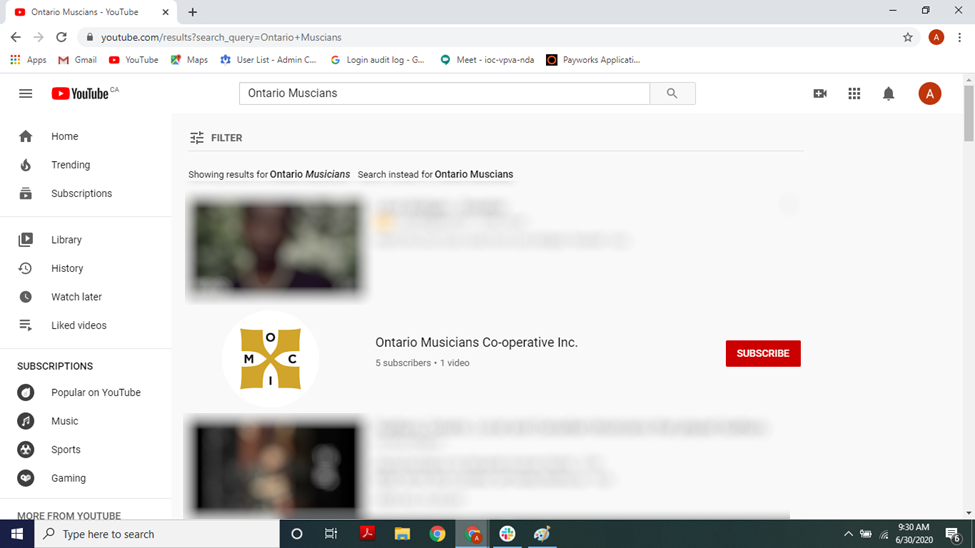
- Click on the Ontario Musicians logo (outlined by the red box)
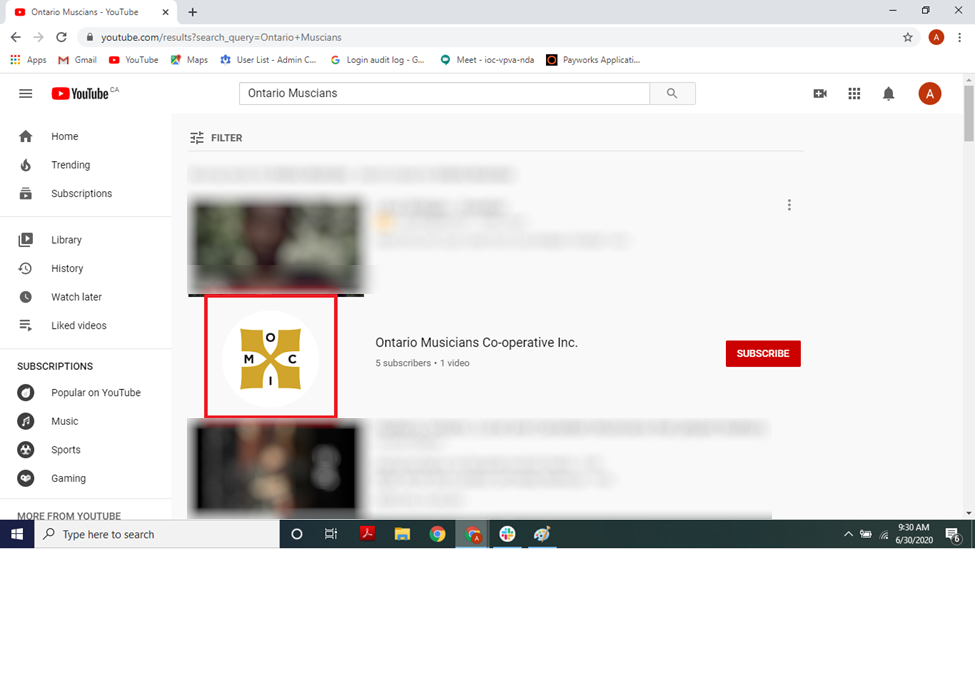
- You’ve reached the Ontario Musicians Youtube page
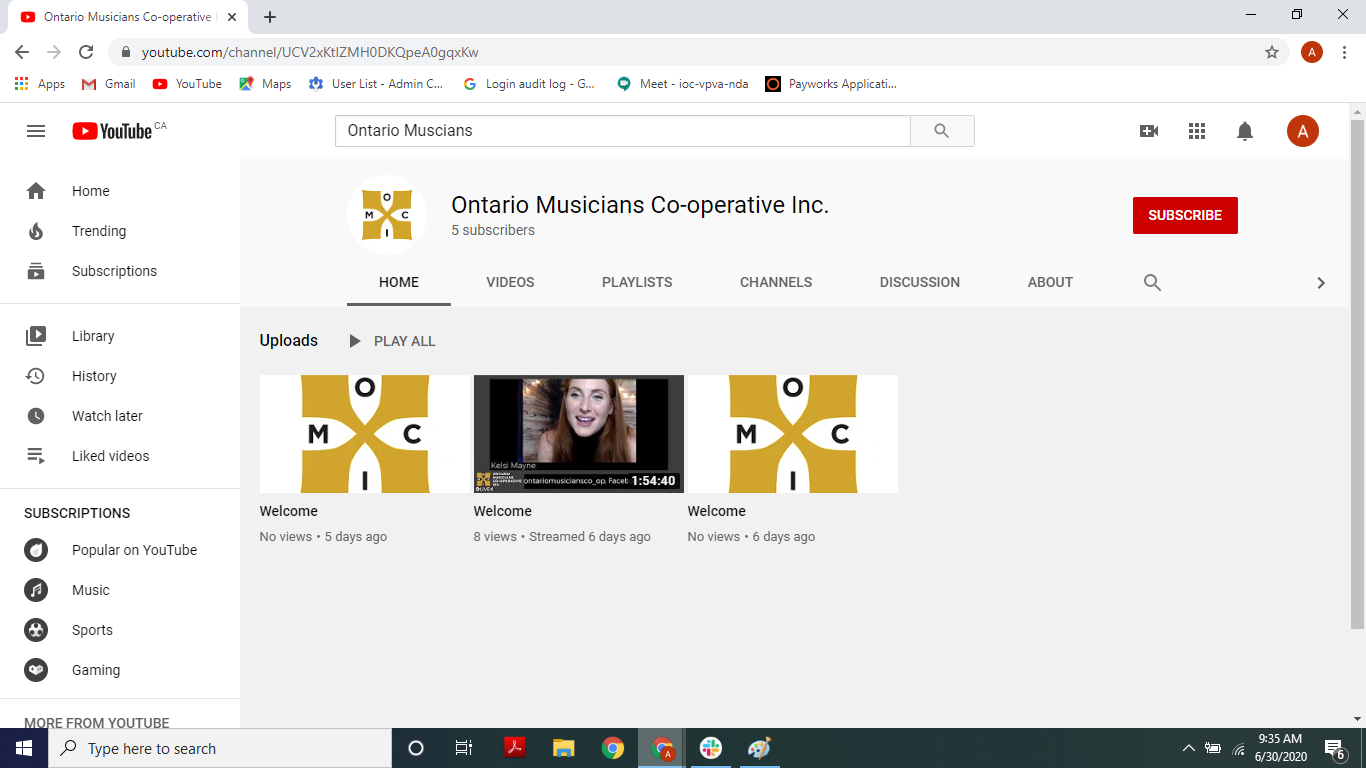
How to find the OMCI Facebook page via computer browser
- Open the browser
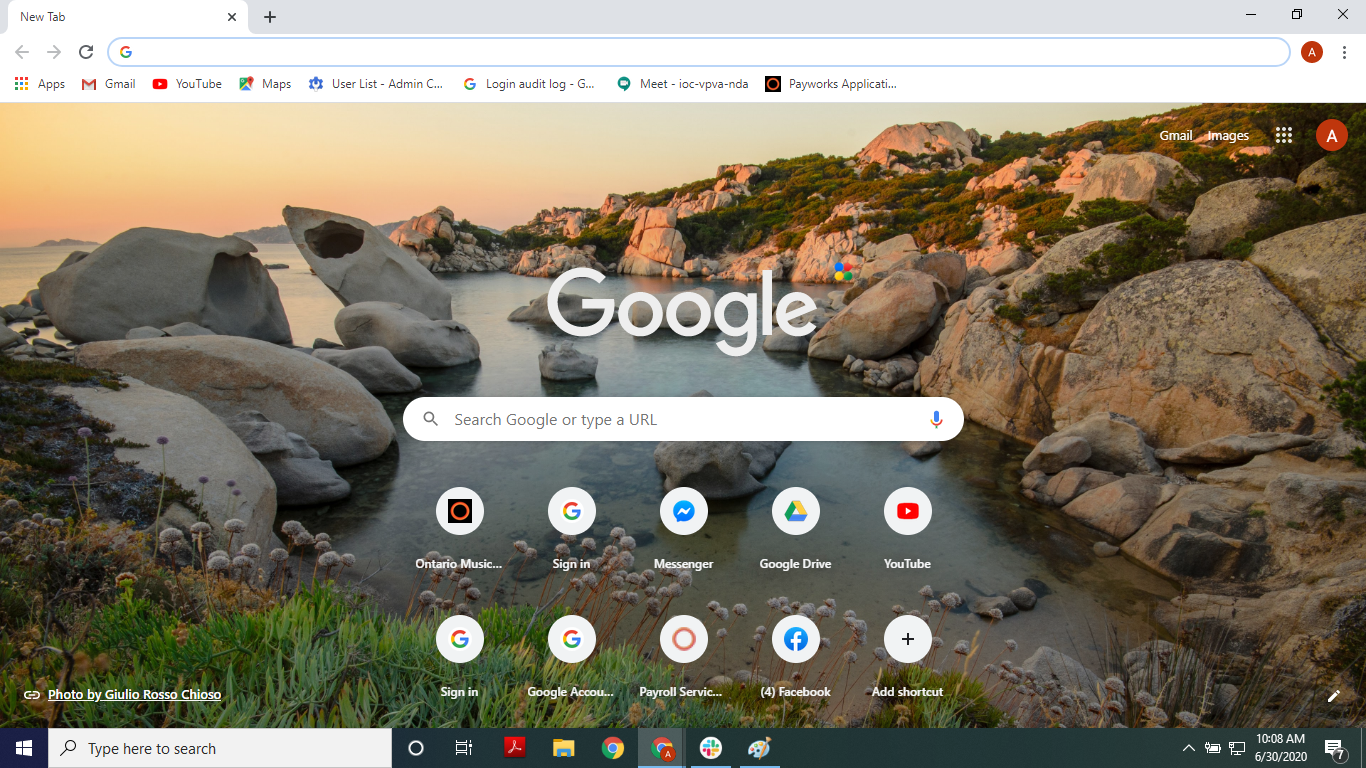
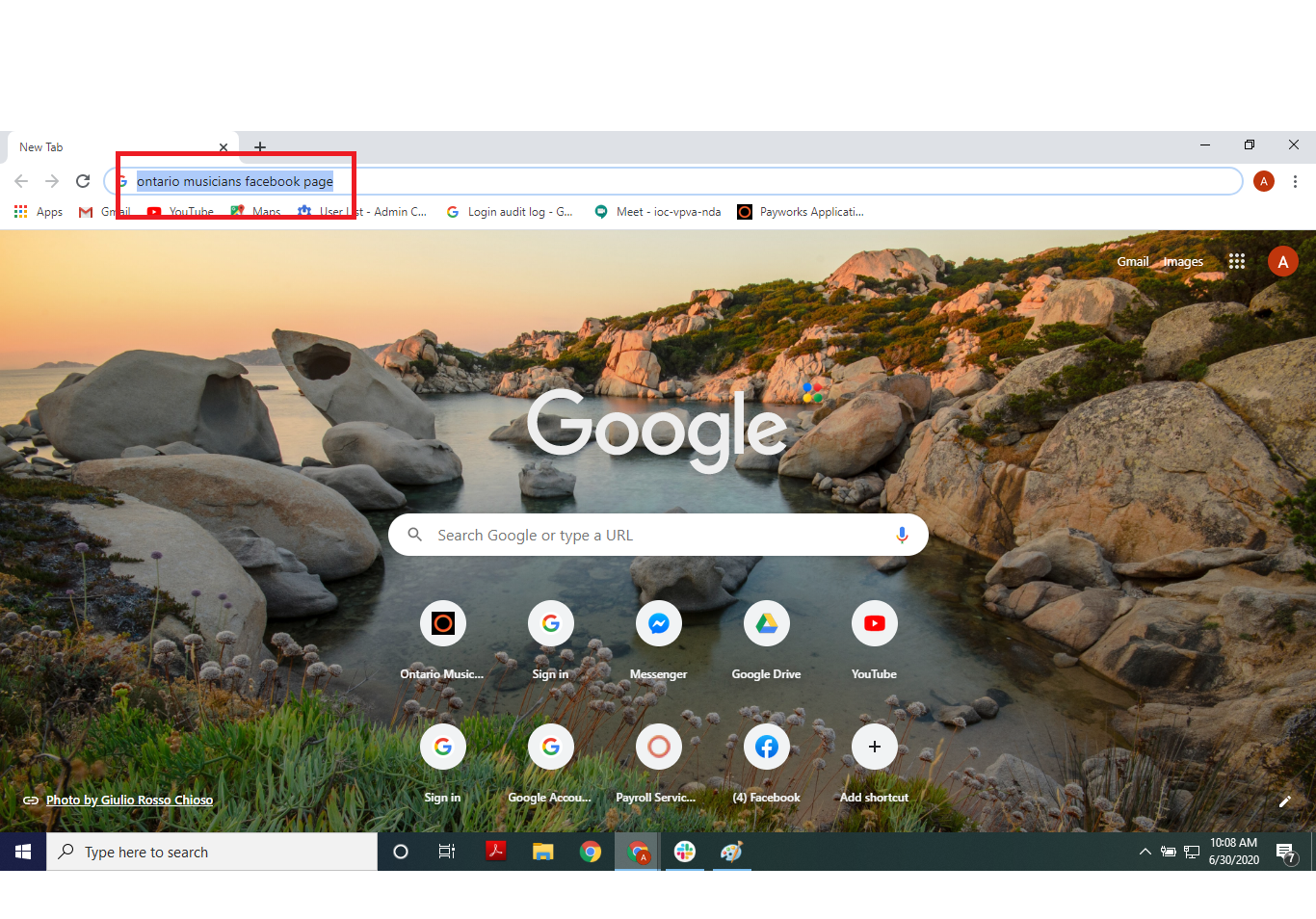
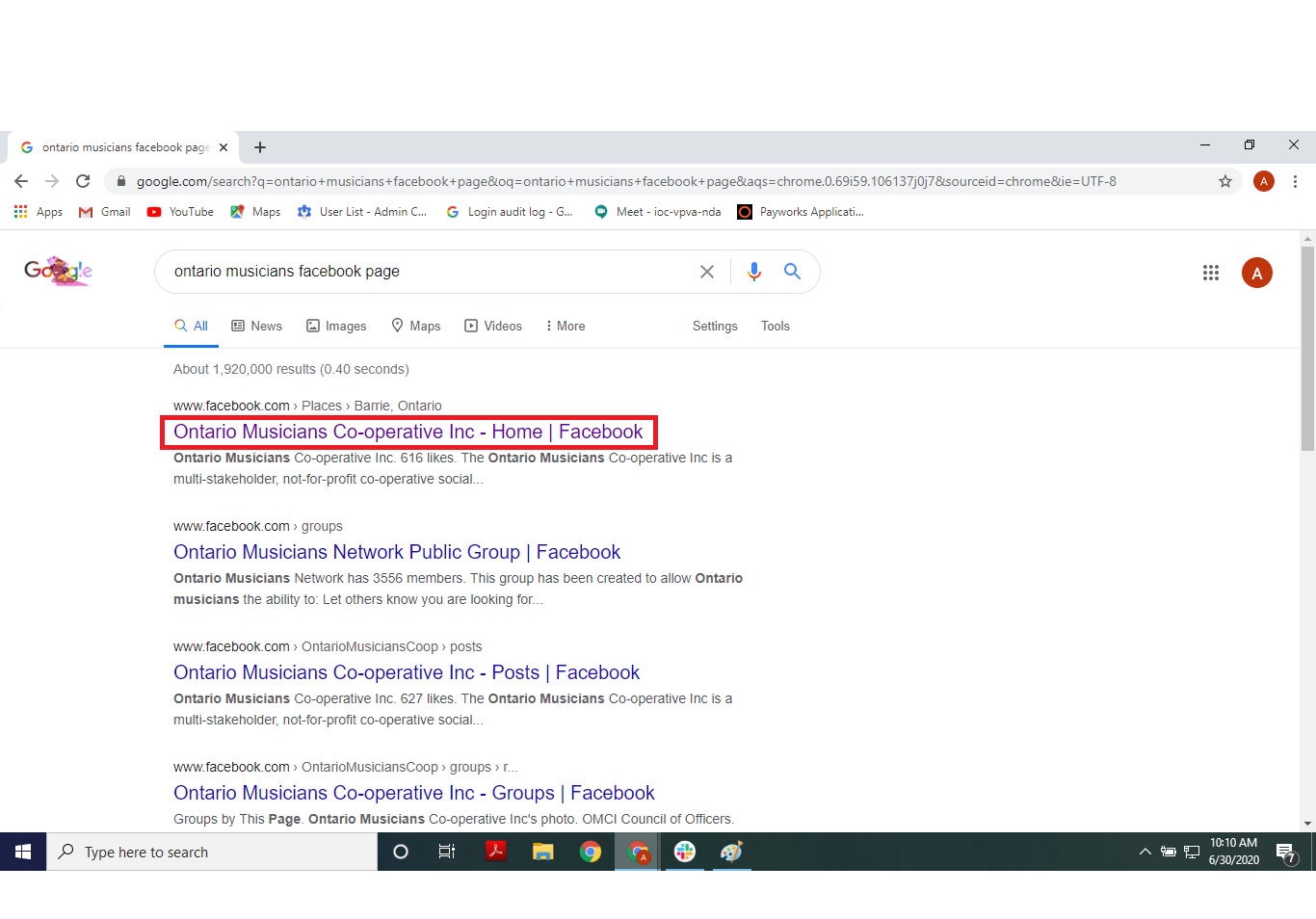
- Click on the address bar and type “ontario musicians facebook page”
- Press the enter key on the keyboard, you will see search results
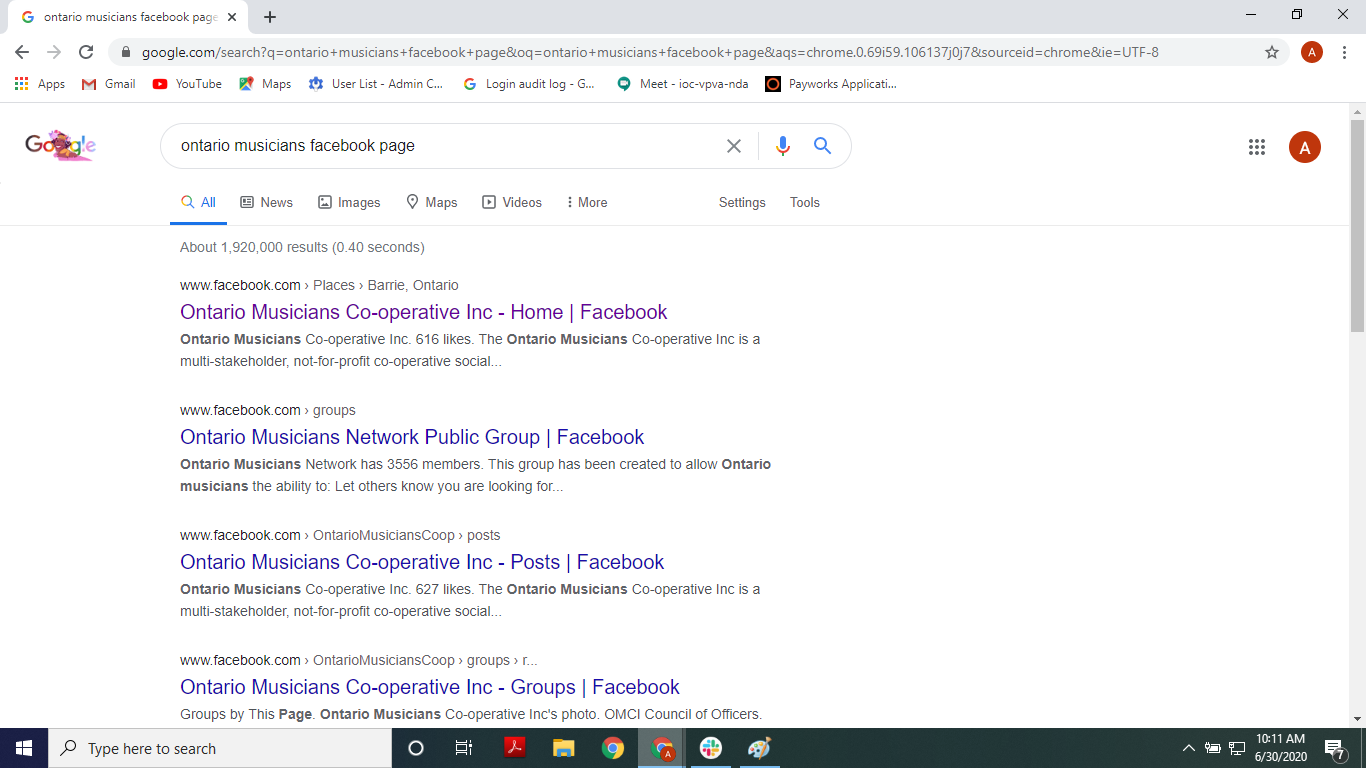
- Click on the first link
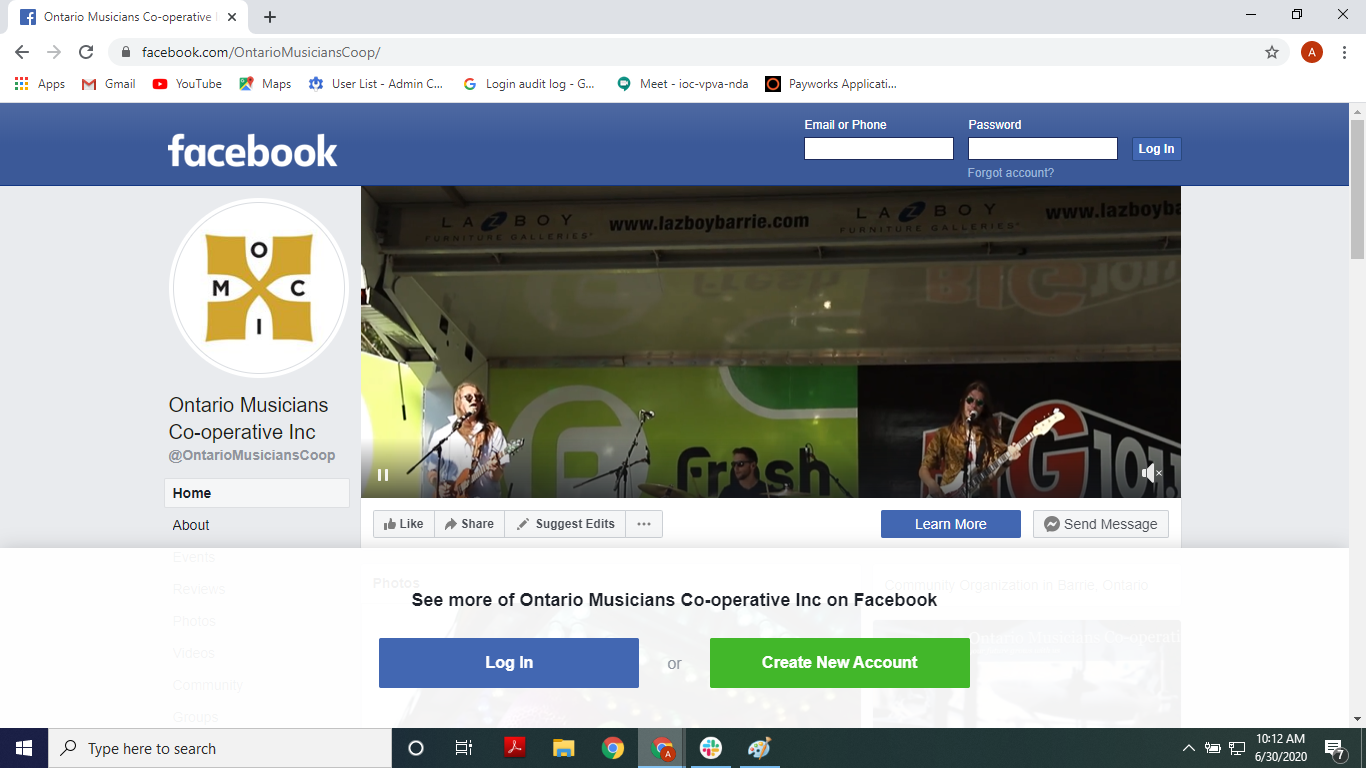
- You’ve reached the OMCI Facebook page! It will prompt you to sign in to see the full page
How to find the City of Barrie Youtube page via computer browser
- Open the browser
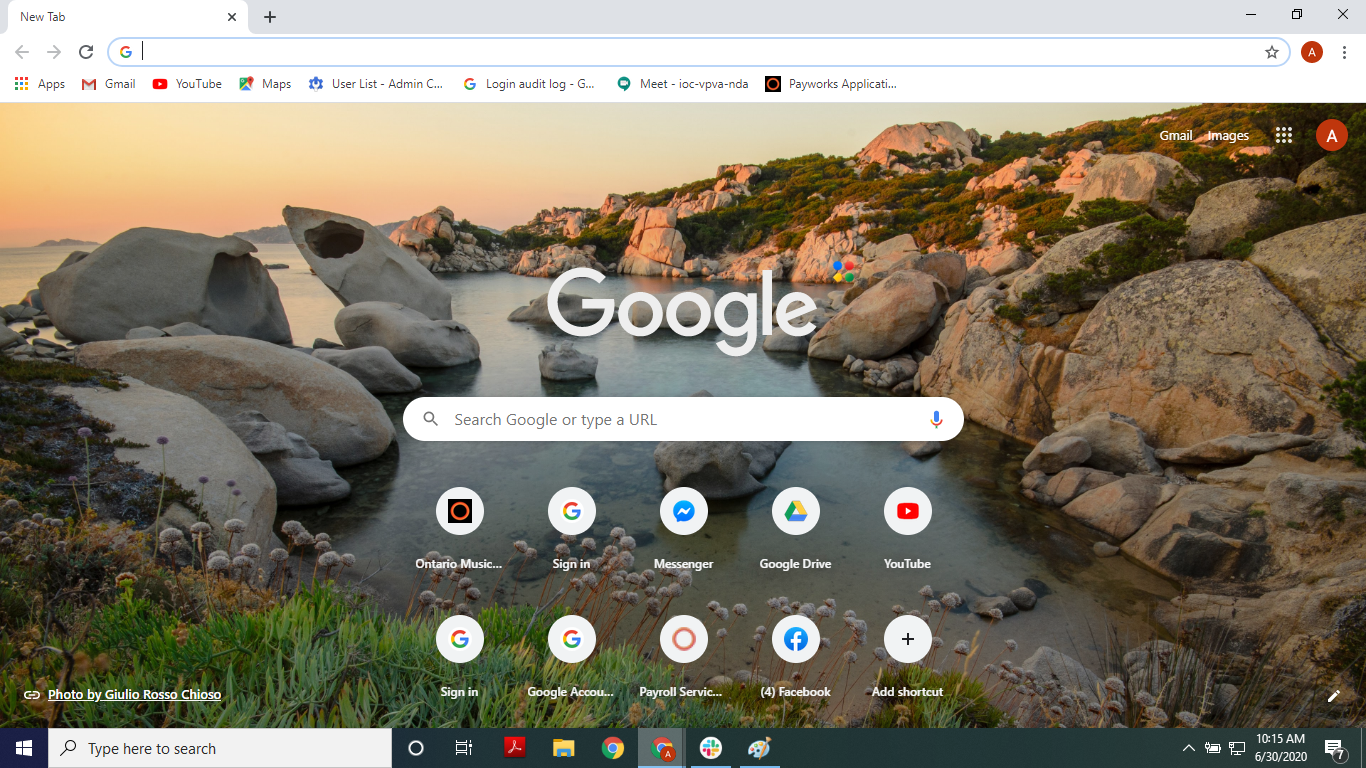
- Click on the address bar and type “youtube.com”
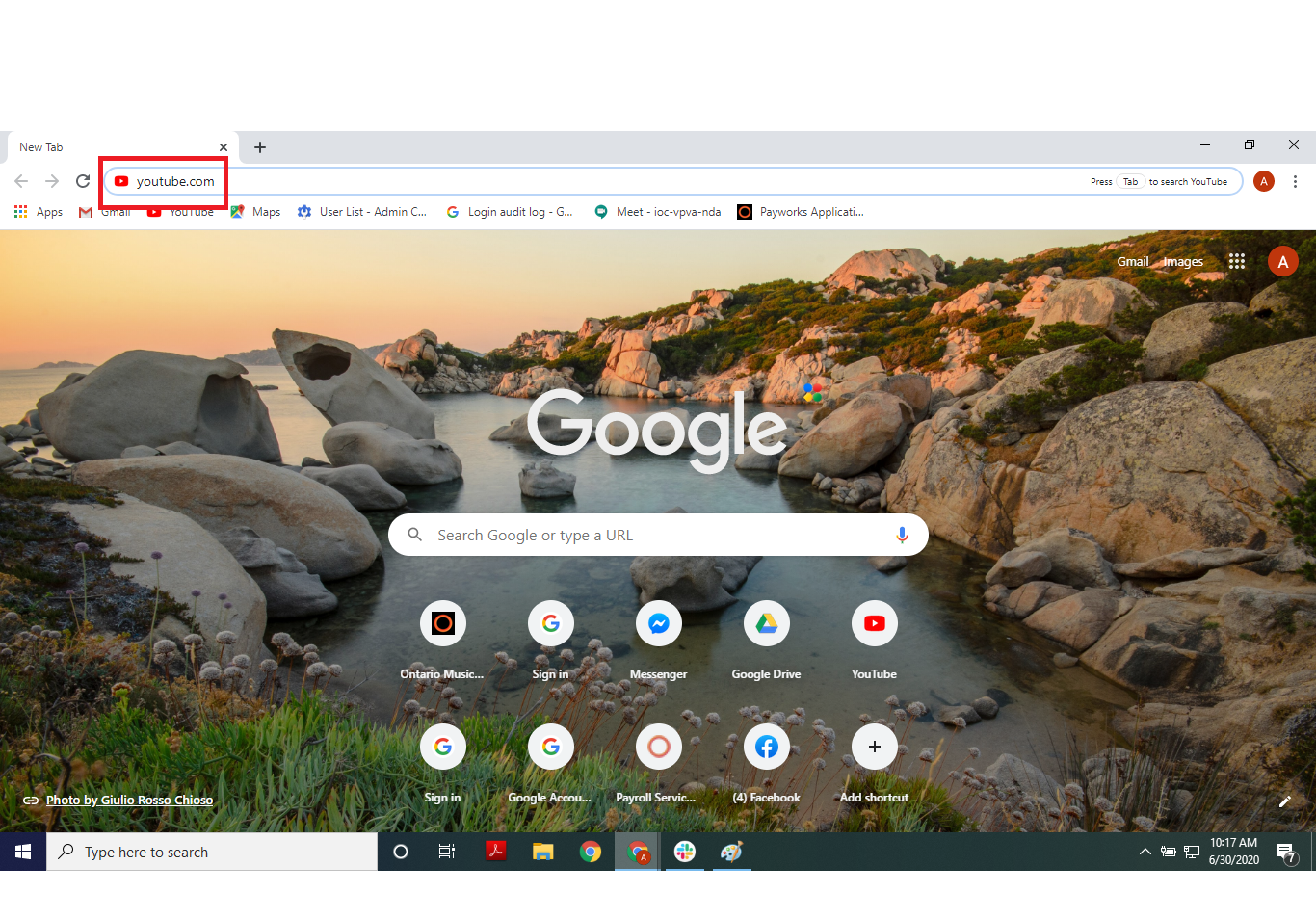
- Press the enter key on the keyboard, you will arrive at the youtube page
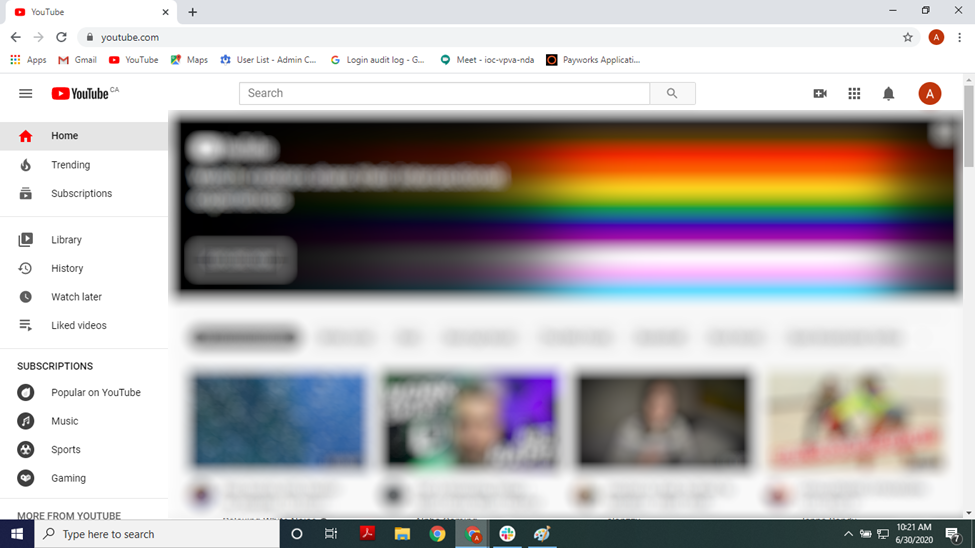
- Click on the search bar then type “City of Barrie”
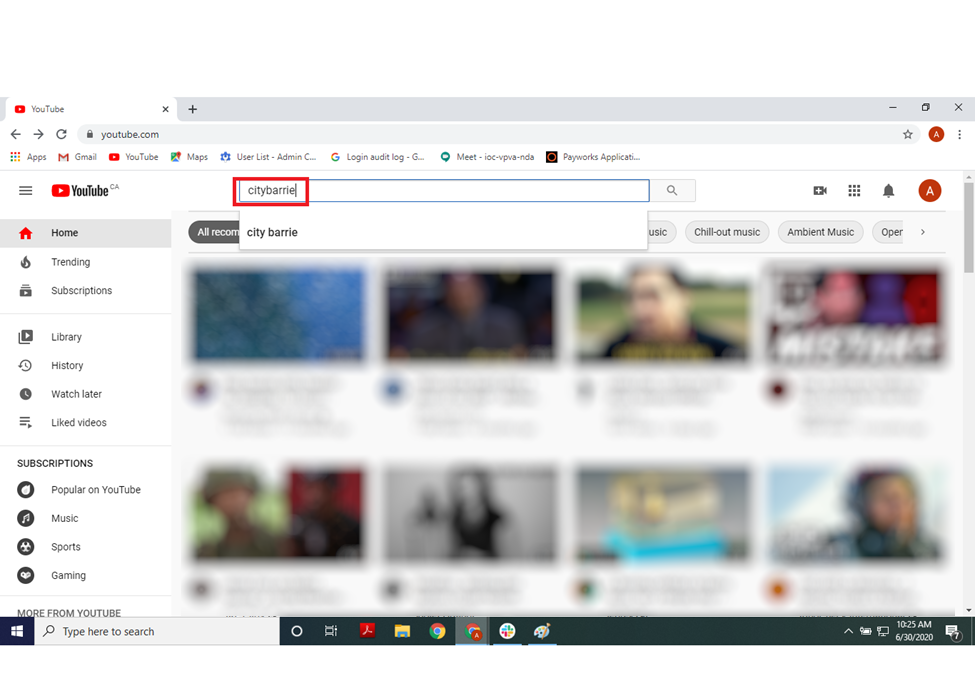
- Press the enter key on the keyboard, you will see search results
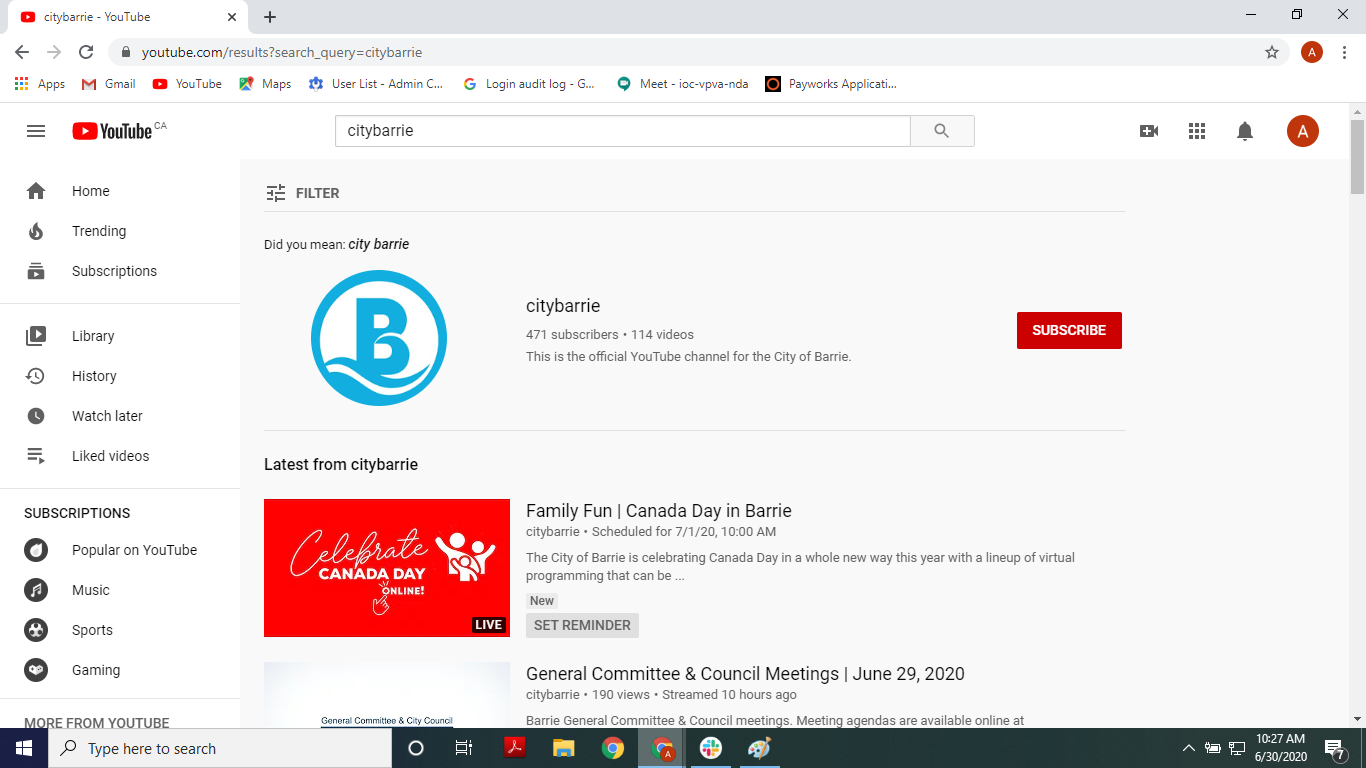
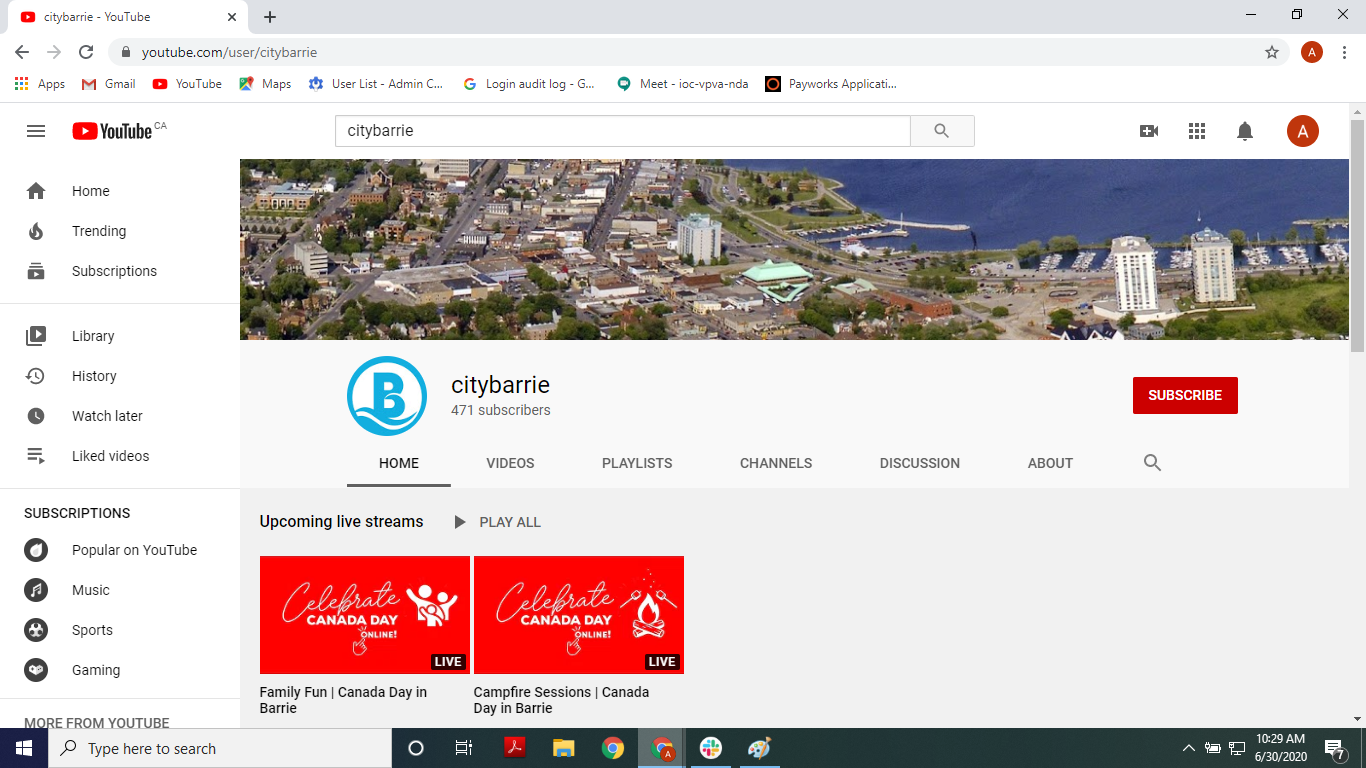
- Click on the City of Barrie logo (outlined by the red box)
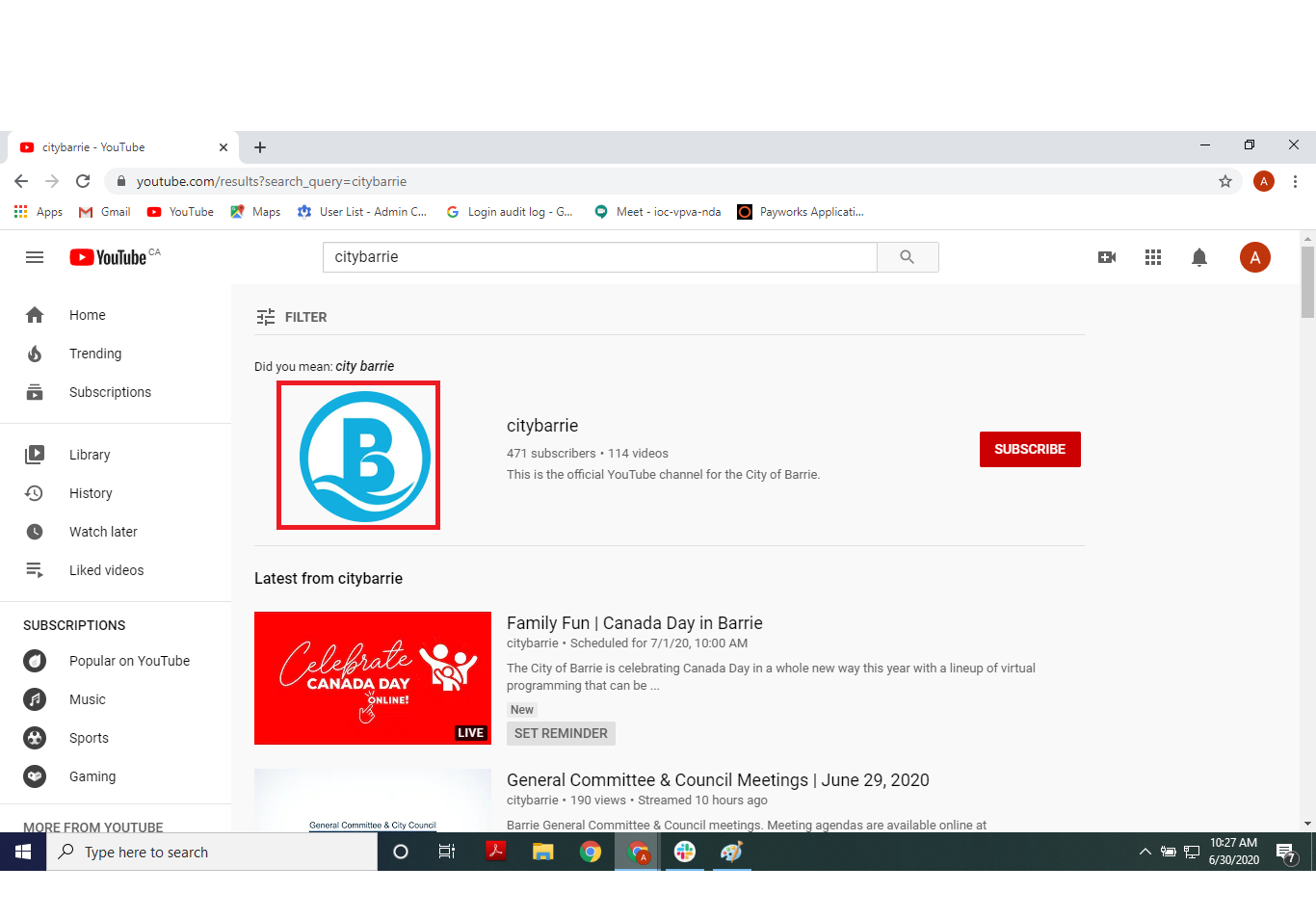
- You’ve reached the City of Barrie Youtube page!
How to find the City of Barrie Facebook page via computer browser
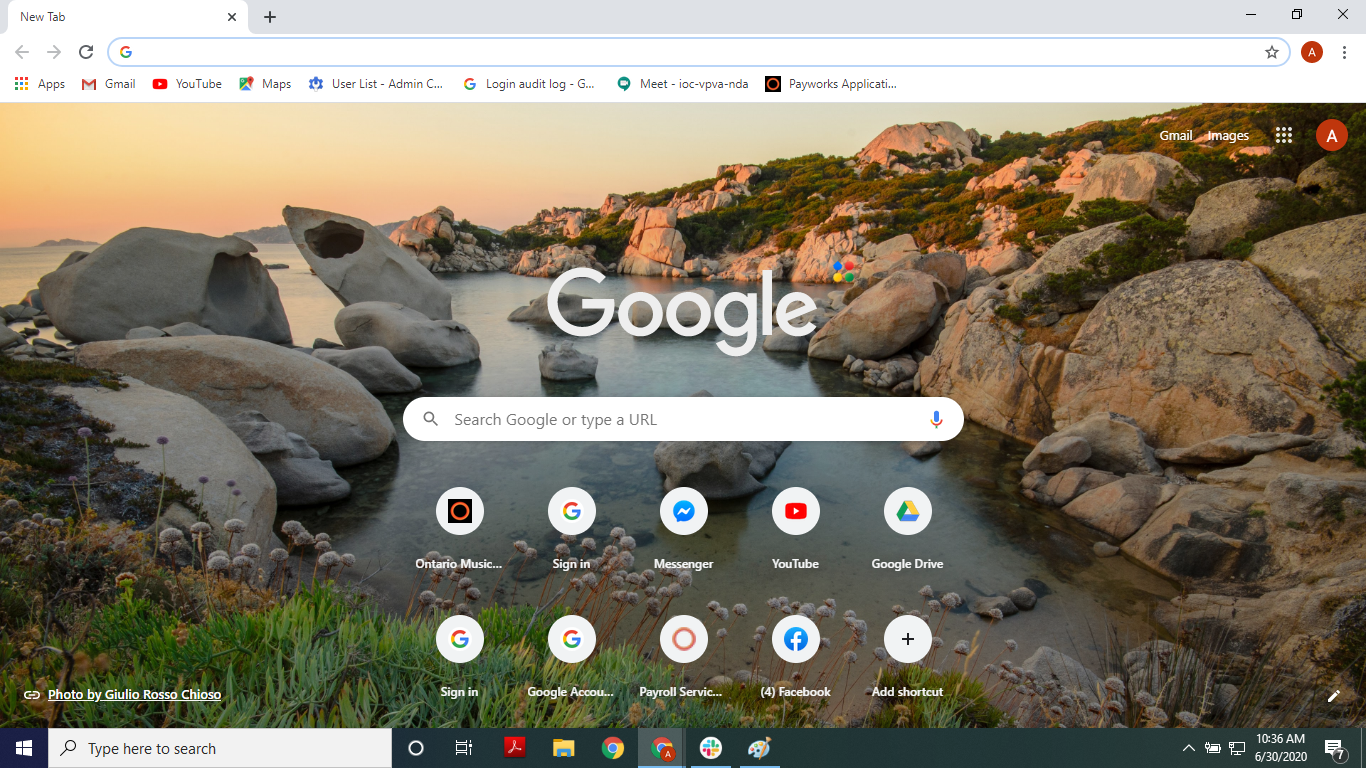
- Open the browser
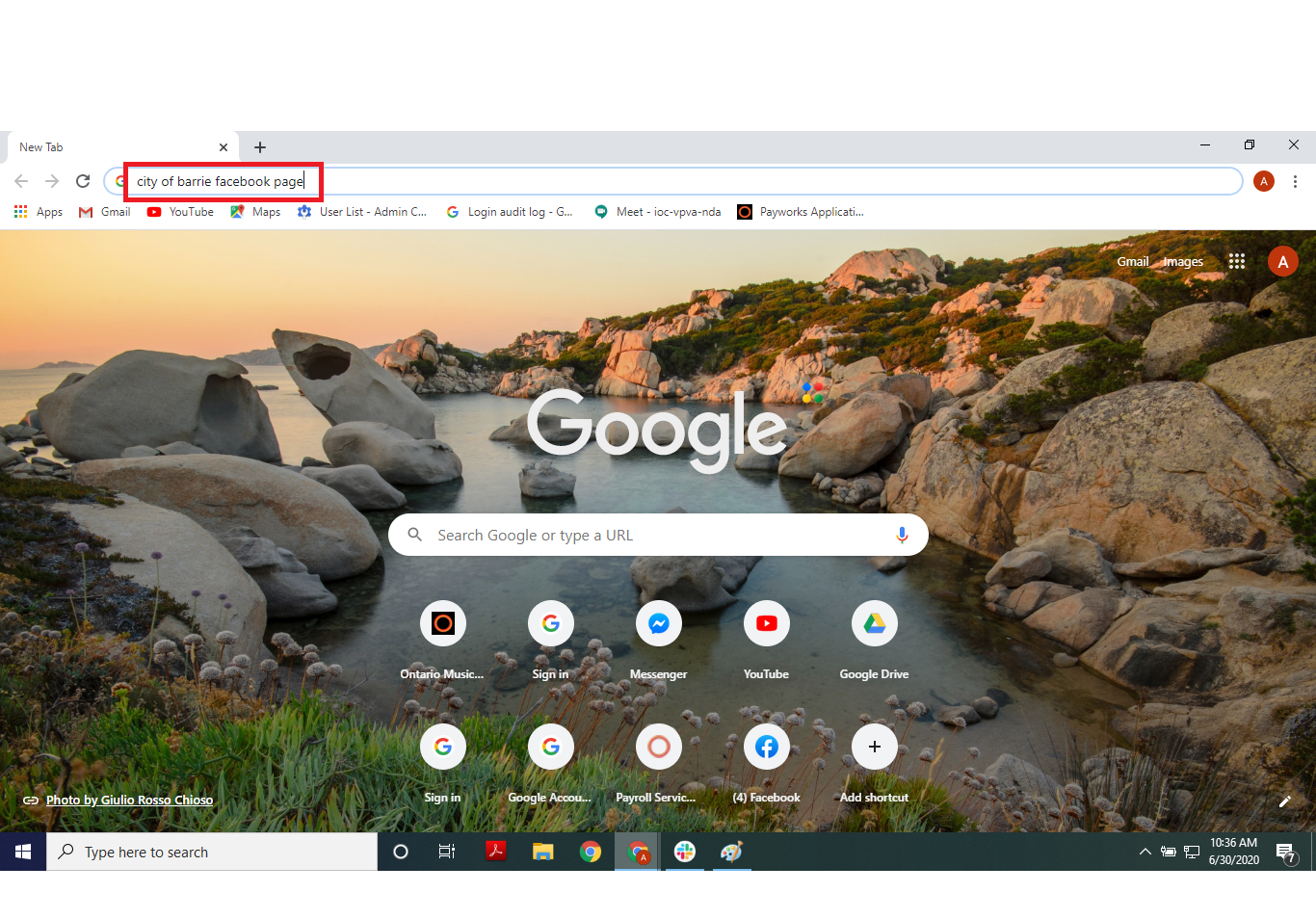
- Click on the address bar then type “City of Barrie Facebook page”
- Press the enter key on the keyboard, you will see search results
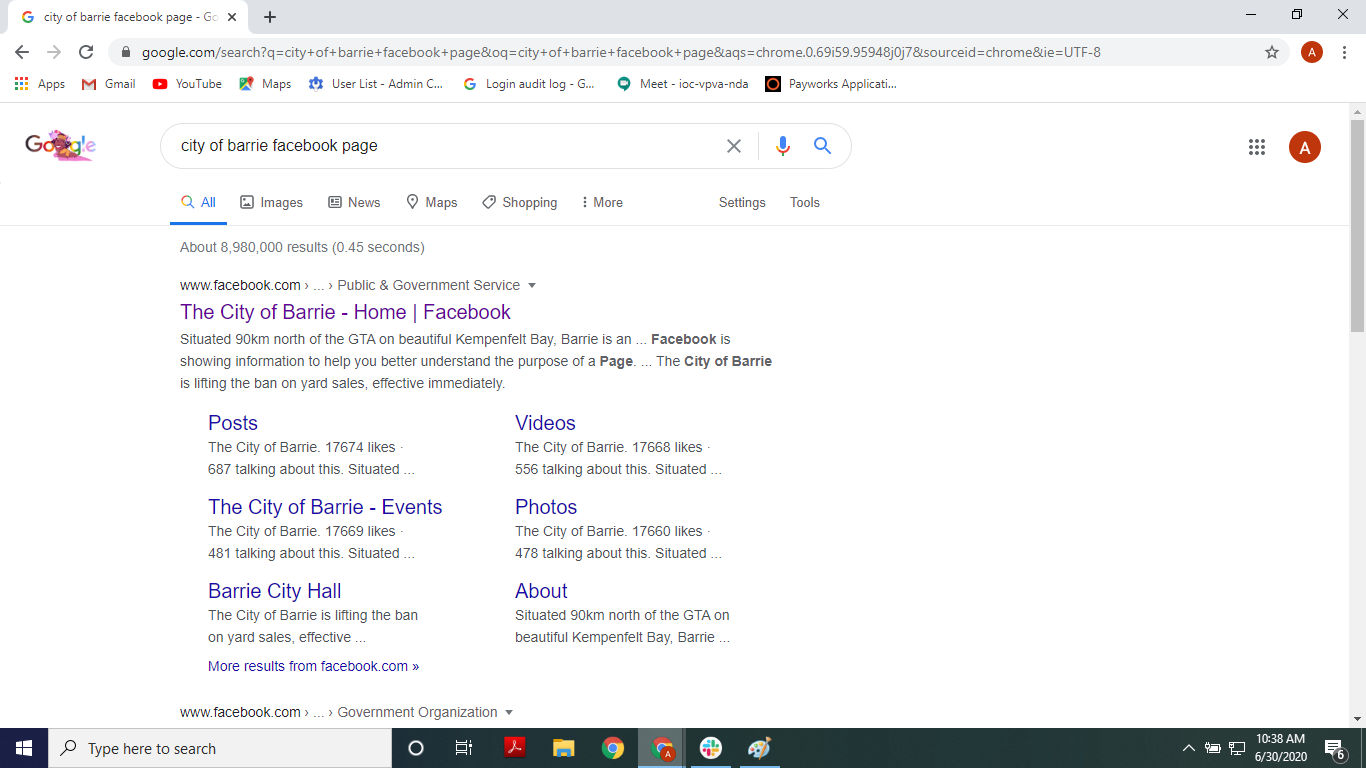
- Click on the first link
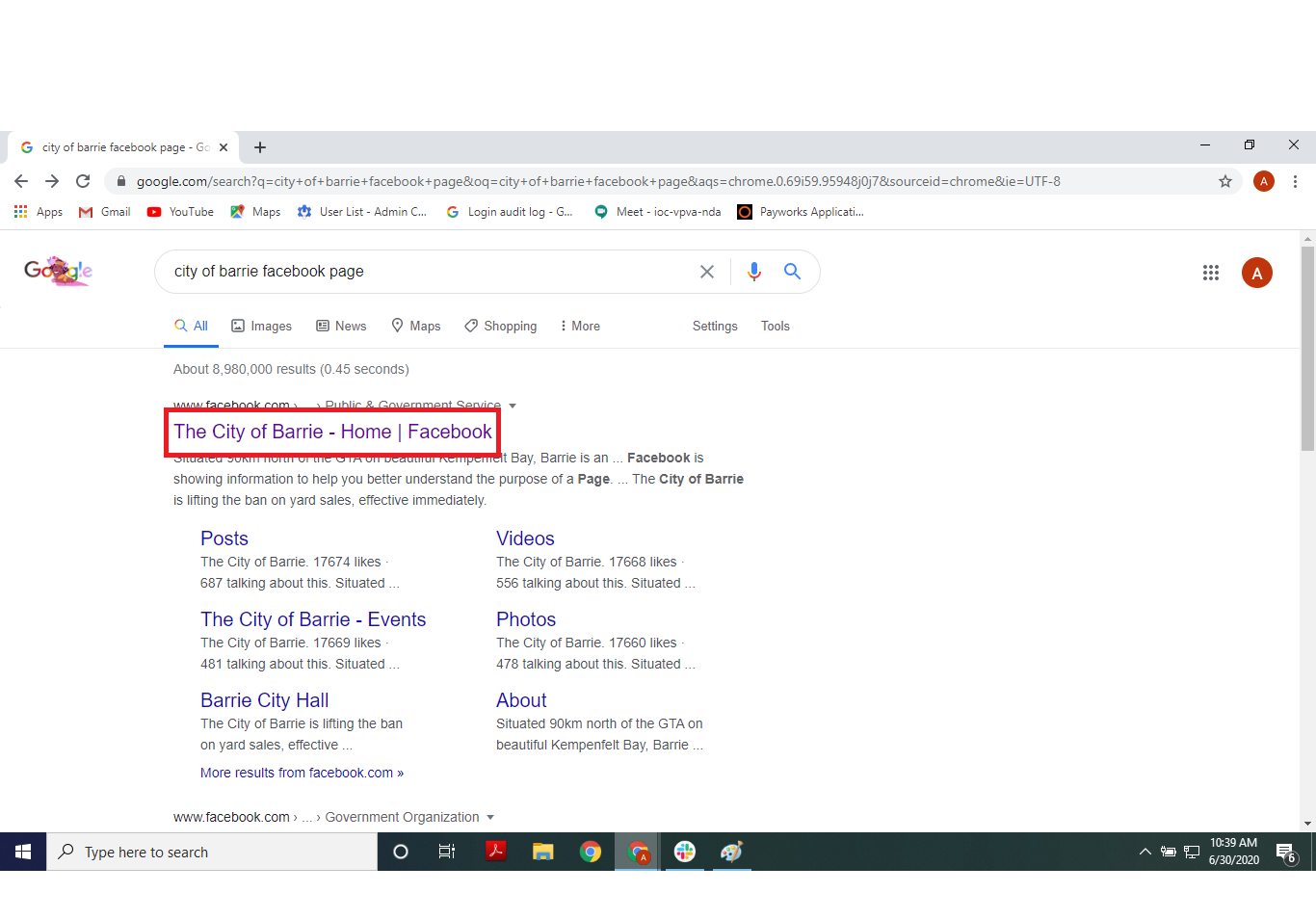
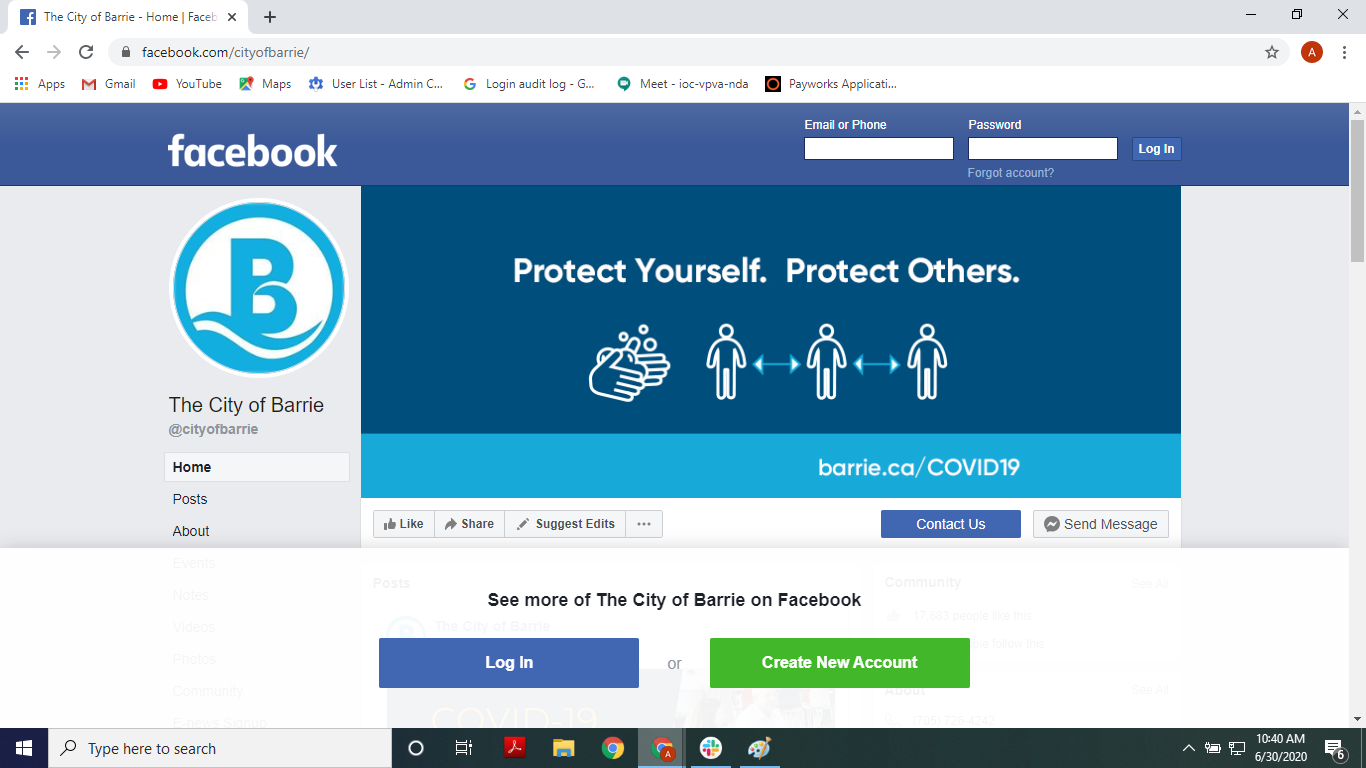
- You are now on the City of Barrie Facebook page. It will prompt you to sign in to see the full page