Frequently Asked Question
PortGo How To?
Last Updated a year ago
Go to https://www.portsip.com/download-portsip-softphone/
Scroll down to see download options:
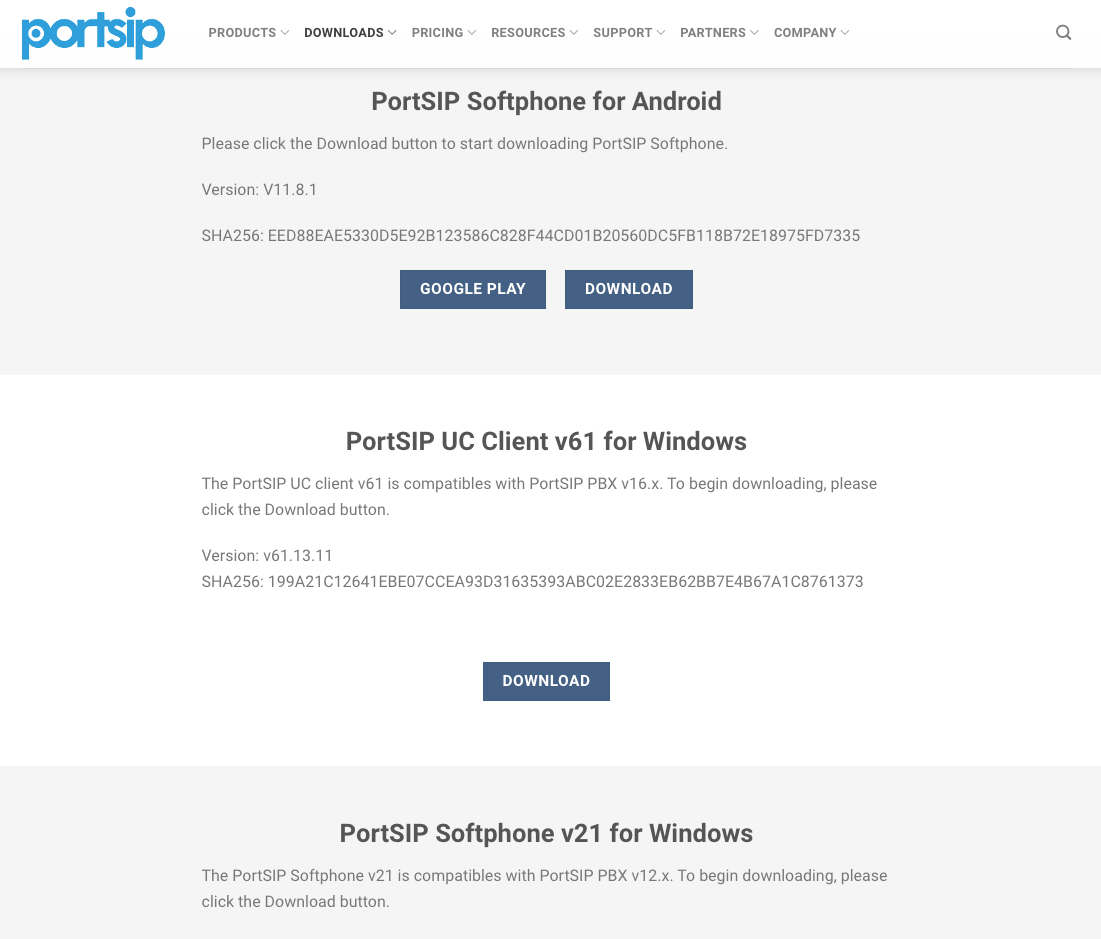
Select the platform you want to use for this application and select download
NOTE: If downloading for Windows, use the following with this guide:
PortSIP Softphone (version number) for Windows
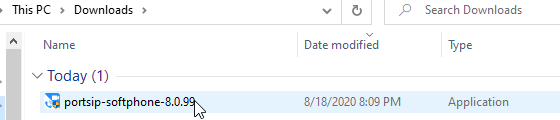
After it is downloaded, locate and click on the application to start installation
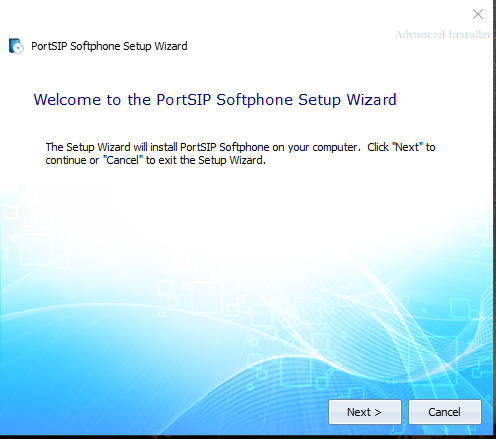
Click Next on the Installation Wizard to get started
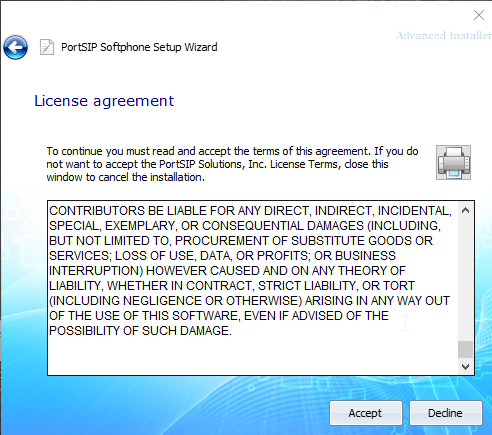
Read the Agreement and select Accept
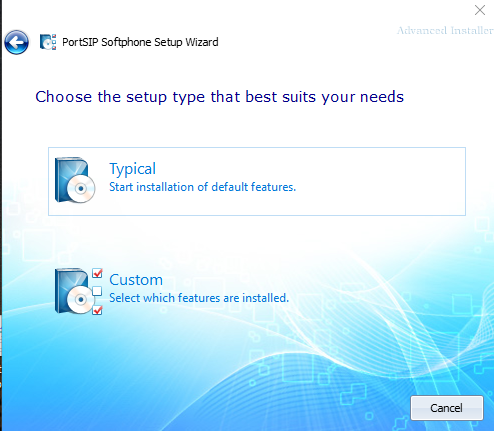
Choose Typical to move forward with the installation
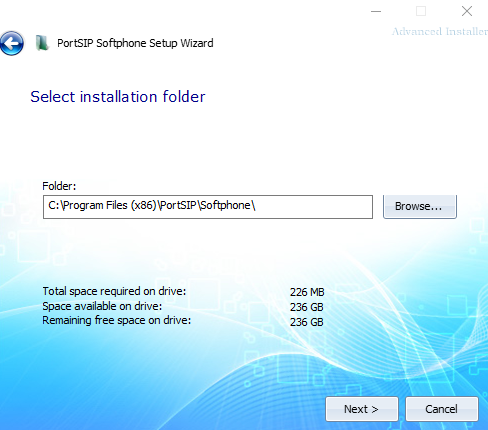
Choose where you wish to install, and click next
Click the Install button to install
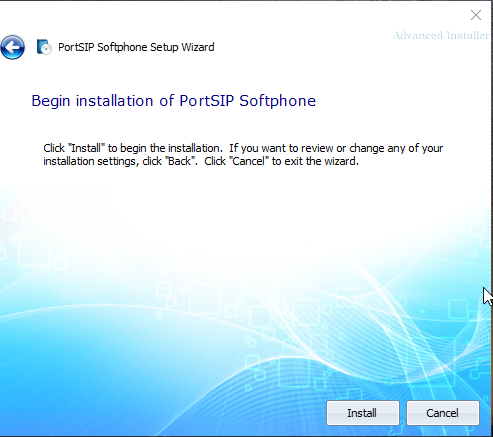
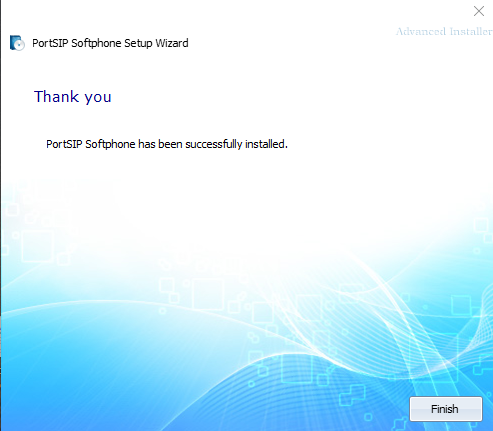
Click Install to finalize installation
Locate the shortcut on your desktop or on your phone and open the application