Frequently Asked Question
How to fix the Google Contacts bug?
Last Updated a year ago
1) Go to contacts.google.com

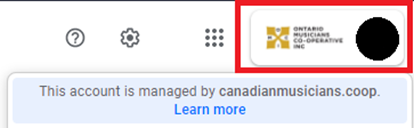
2) In the top right of your screen, make sure you’re logged into your firstname.lastname@canadianmusicians.coop email.
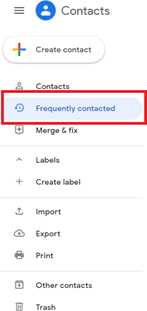
3) On the left side of your screen, click on “Frequently Contacted”.
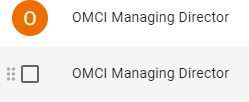
4) On your keyboard, press “Ctrl” + “a”. This should highlight your frequently contacted list like the photo below.

5) If you’d like to keep some frequent contacts FROM OUTSIDE THE ORGANIZATION, then you can hover over their image and check the box to manually select the ones you’d like to delete. You still need to delete every frequent CMC contact, and it’s recommended to delete every frequent contact.

6) Near the top of your screen, click on the 3 dots menu, then click “Delete”.
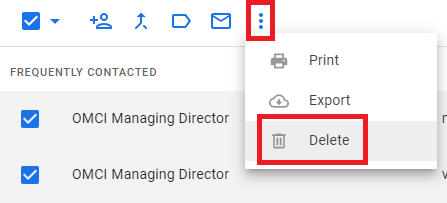
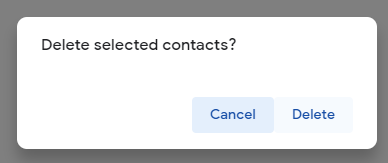
7) In the pop-up menu, click on “Delete”.